

How to recover deleted messages on WhatsApp?
Messages accidentally deleted on WhatsApp can be recovered using certain methods. Here is the method to recover deleted messages on WhatsApp...




One of the simplest ways to recover deleted messages on WhatsApp is to perform regular backups.
WhatsApp backs up your messages via Google Drive (Android) or iCloud (iOS).

If you have enabled this feature, restoring your messages is quite easy. After performing a backup, you can reinstall the application and select the option to restore the backup. This allows deleted messages to be recovered.
WHAT CAN BE DONE IF THERE IS NO BACKUP?
If you have not performed a backup, recovering your messages can be a bit more complicated.

However, Android users can also recover messages from local backup files that WhatsApp stores in the phone's memory.
In this method, after deleting and reinstalling WhatsApp, the option to restore backups will appear.
Recovering Messages with Third-Party Applications
Some third-party applications may help in recovering deleted messages. However, these applications may not be reliable, and caution should be exercised regarding the security of your personal data.
The most effective method for recovering deleted WhatsApp messages is to perform regular backups. Thanks to backups, you can restore your messages in a short time if you experience data loss.
News Source : 12punto
Most Read
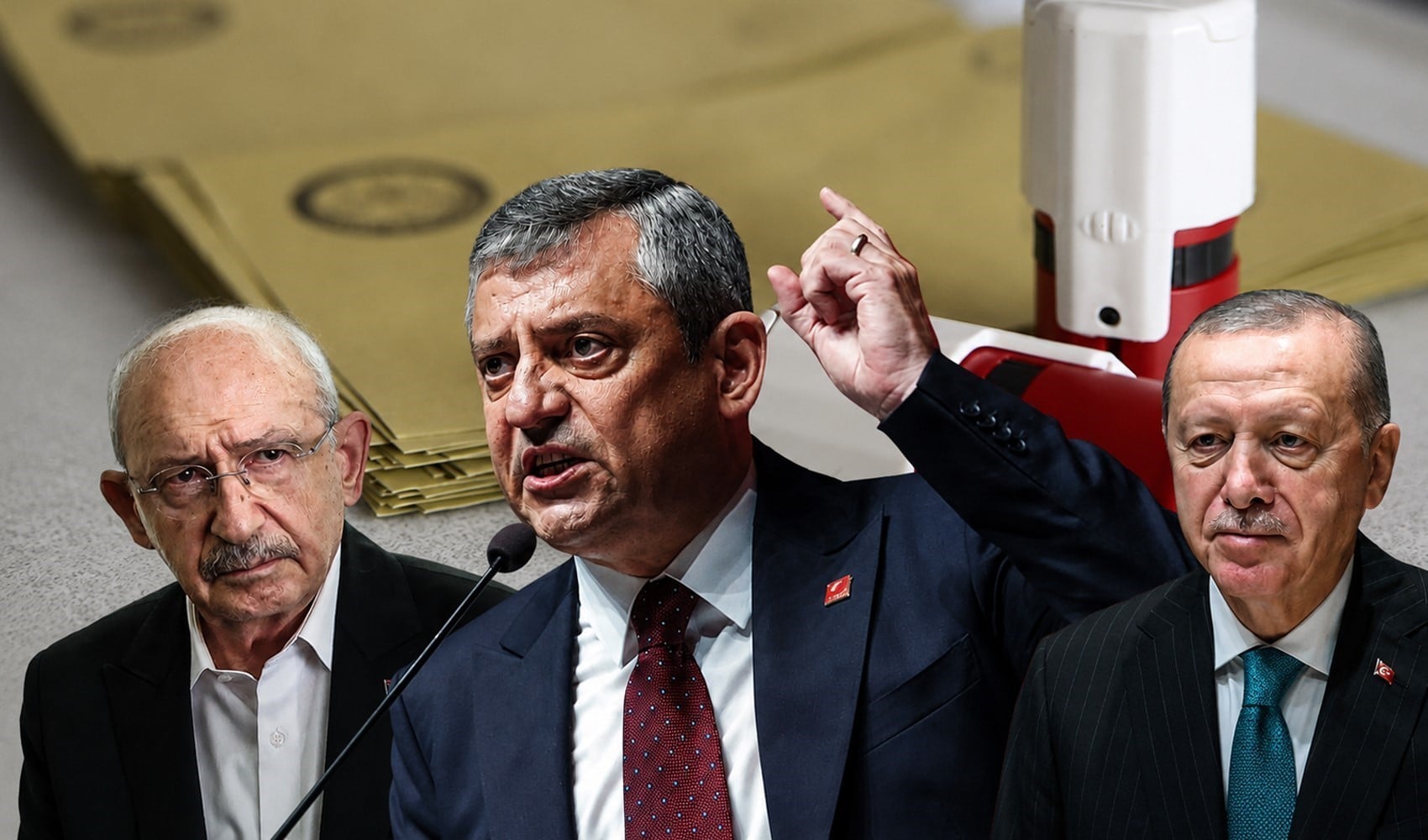
Striking picture for Özgür Özel's 'New Party'

The PKK opening and Özgür Özel’s path!..
How did the newspapers view Özgür Özel's farewell to the CHP?

He killed his wife by slitting her throat: Their children witnessed the moments

What did the CHP do?
Özel’s new party move in the world press
Fire at TUSAŞ engine factory in Eskişehir under control

The New CHP, against CEHAPE

From self-efficacy to despair

Kılıçdaroğlu's first message on Özgür Özel's new party announcement