

How to change your TikTok username?
TikTok allows you to change your username quickly and easily. So, how do you change your username on the popular app TikTok?




How to change your TikTok username?
TikTok allows you to change your username. This means that the username you set when creating your account can be changed very easily later on.
The new username must comply with the rules and must not currently be in use. So, how do you change your username on TikTok? If you also want to change your account name, you can follow the steps below in order.

Steps to Change Your TikTok Username
Open the TikTok app.
Log in to your account.
View your profile page.
Tap the "Edit profile" button.
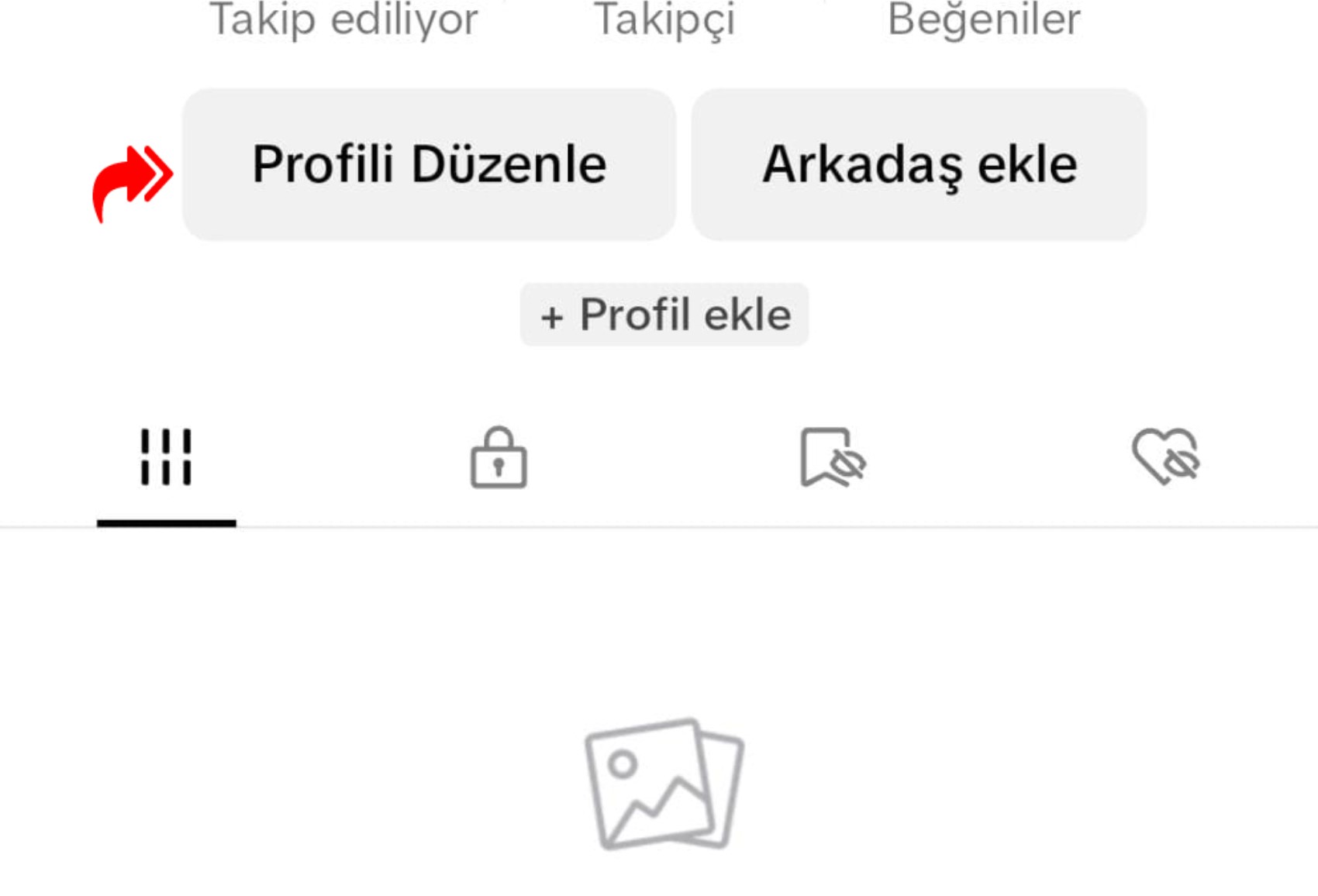
Tap on the "Username" section.

Set a new username.

Select the "Save" option.
Set a new username. The username you choose can only contain letters, numbers, underscores, and periods. Additionally, this username must not already be in use. Otherwise, the username change process on TikTok will not be completed.
The username can only be changed once every 30 days. For this reason, you cannot make another change within thirty days after performing this process. You will need to wait for the period to expire.
News Source: 12punto
Most Read

Striking picture for Özgür Özel's 'New Party'

The PKK opening and Özgür Özel’s path!..

How did the newspapers view Özgür Özel's farewell to the CHP?

He killed his wife by slitting her throat: Their children witnessed the moments

What did the CHP do?

Özel’s new party move in the world press

Fire at TUSAŞ engine factory in Eskişehir under control

The New CHP, against CEHAPE

From self-efficacy to despair

Kılıçdaroğlu's first message on Özgür Özel's new party announcement