How to take a safe break from screens? What is the most effective time for a digital detox?
A digital detox, a popular term used for taking a break from screens and notifications, is an approach that anyone who uses a smartphone, tablet, and/or laptop can benefit from. Global cybersecurity and digital privacy company Kaspersky shares some important tips on how you can reduce screen addiction while protecting yourself from cyber threats during the summer months. Here are the details...
12punto
DIGITAL DETOX HELPS INCREASE YOUR GENERAL WELL-BEING
The results of a review of 10 studies conducted between 2013 and 2023 show that a digital detox helps improve sleep quality, life satisfaction, and general well-being. It also reduces anxiety, stress, depression, and phone addiction. Furthermore, regular digital breaks can restore the brain's ability to focus for long periods and process information deeply.

SUMMER IS THE MOST EFFECTIVE TIME FOR A DIGITAL DETOX
Summer is a great time for a digital detox because the season naturally encourages outdoor activities, travel, and social interaction, making it easier to step away from screens. It is also a period when many people go on vacation or slow down their routines, which offers a chance to mentally reset and reduce the fatigue caused by constant digital interaction.
STEPS TO MAKE A DIGITAL DETOX CYBER-SECURE
RECOMMENDATIONS FOR ACCOUNTS, DATA, AND FINANCIAL ASSETS
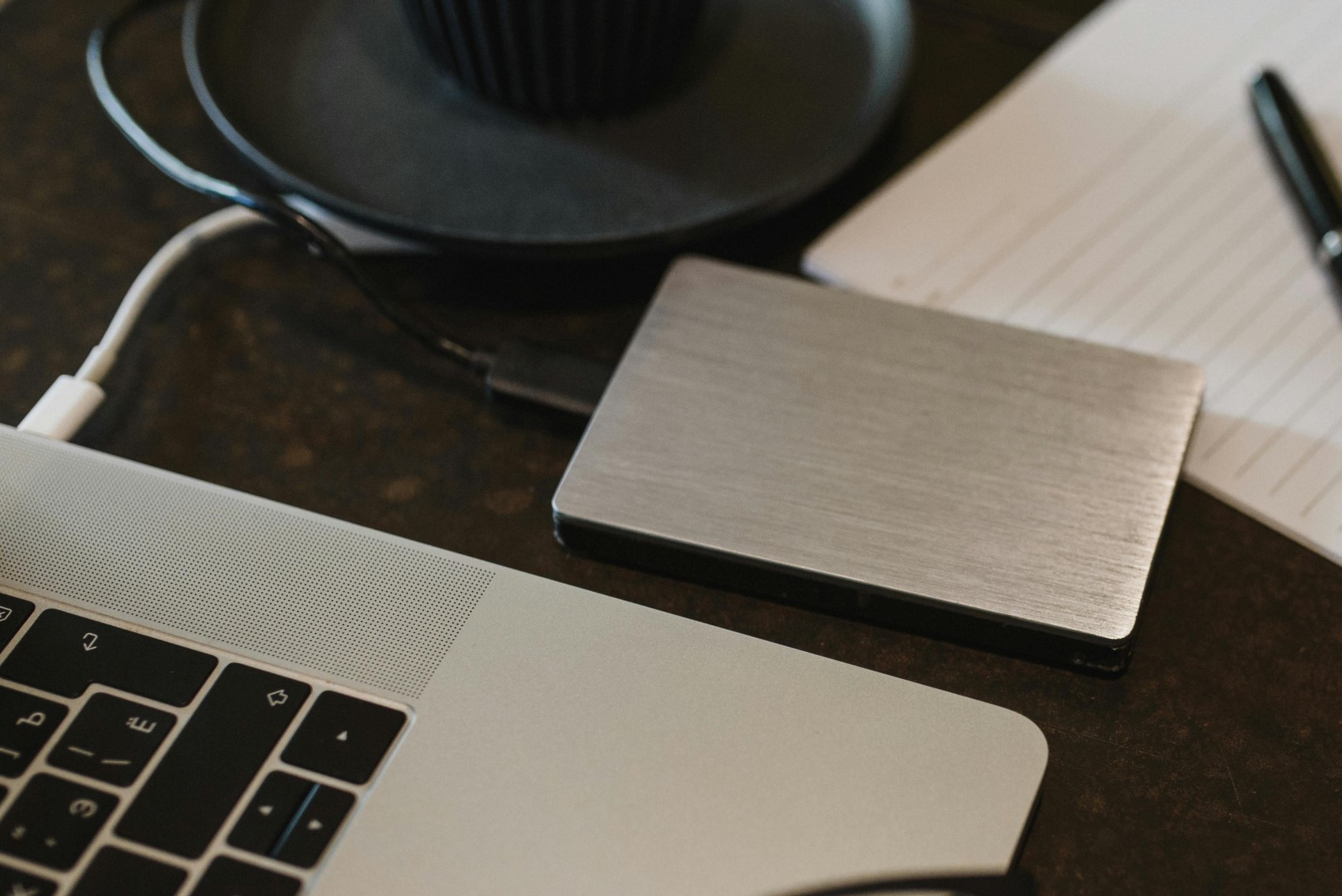
Back up your data. It is recommended that you create up-to-date backups of important files stored both locally and online and keep multiple copies. Don't forget to take new backups of your smartphone and other devices you take with you.
TWO-FACTOR AUTHENTICATION
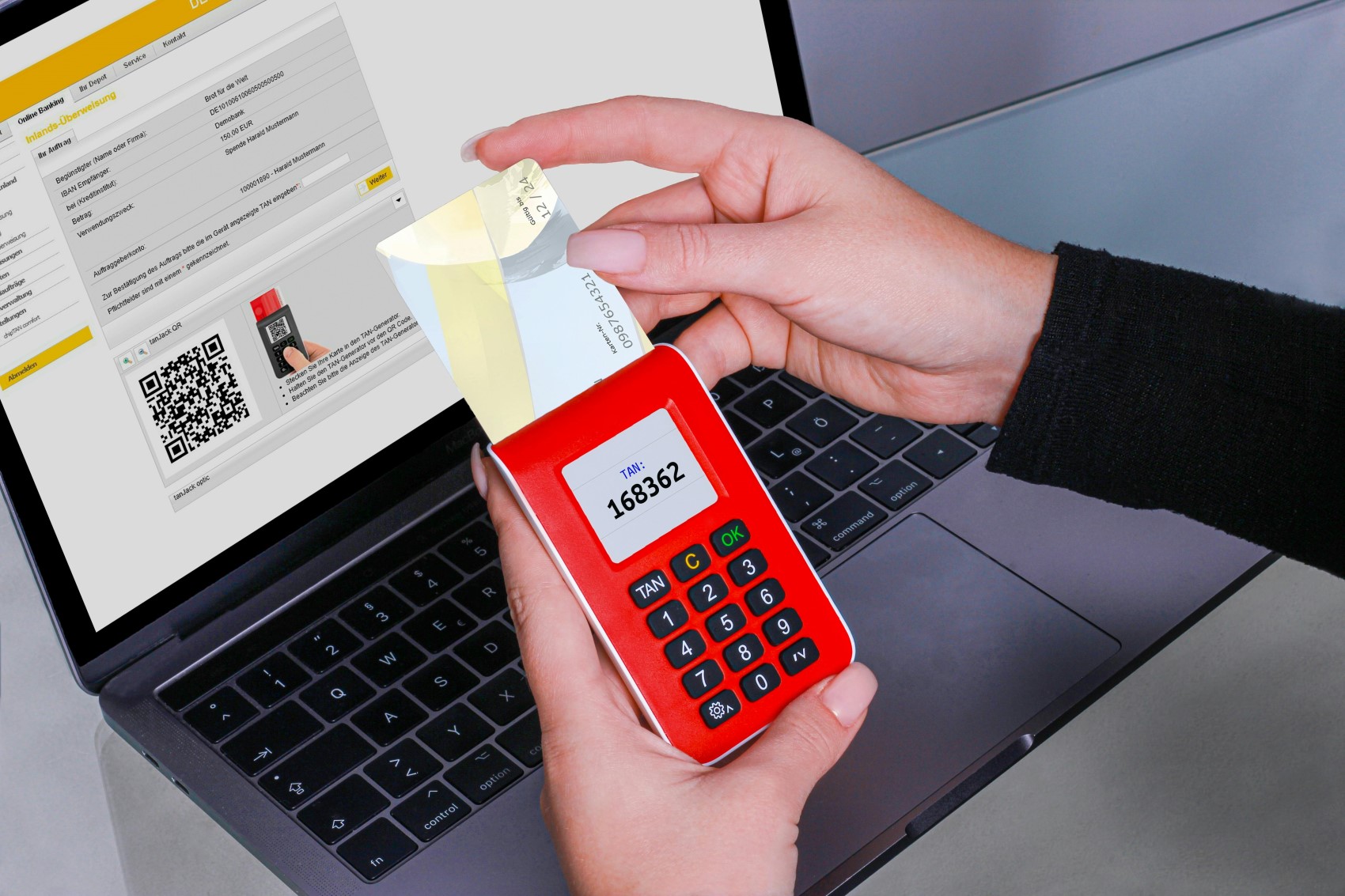
Enable two-factor authentication (2FA) wherever possible so that a one-time code is required to log in. Remember that codes sent via SMS are not secure. Therefore, for critical accounts (banks, email, social networks, ecosystem accounts like Google and Apple), switch to an authenticator app wherever possible. A password manager program can help here.
STRONG PASSWORDS
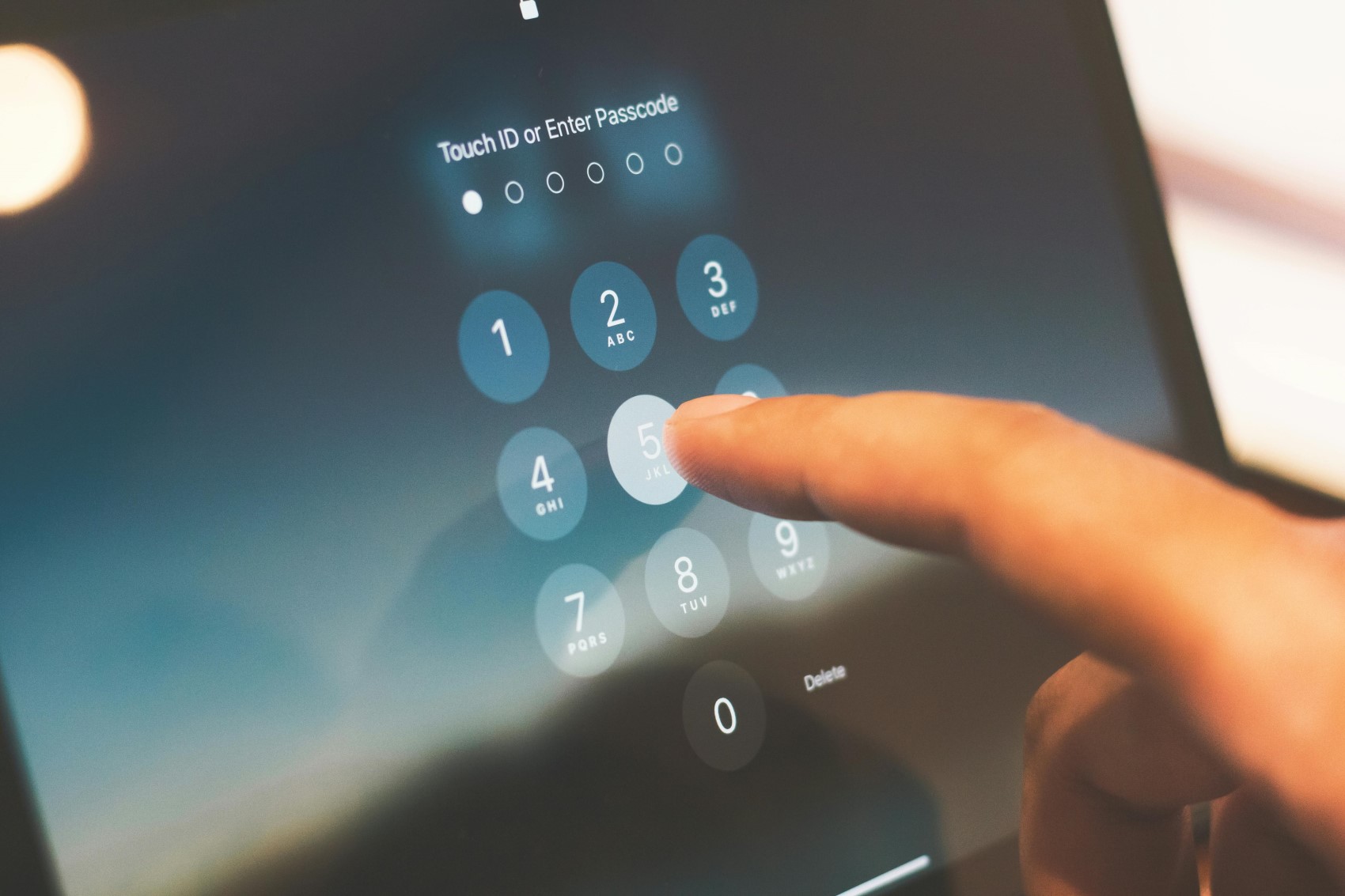
Strengthen your passwords. Review your critical accounts such as online banking, government service portals, and crypto wallets. Replace weak passwords with unique and strong ones. Kaspersky Password Manager can generate and remember passwords for you.

SUBSCRIPTION CONTROL
Review your subscriptions. Make a list of subscriptions to be paused or canceled entirely while you are away. Conversely, ensure that services requiring ongoing payments are linked to an account with sufficient funds to cover them during your detox. Also, check how long your data is stored after you suspend a subscription and when it might be deleted.
TRAVEL PLANNING
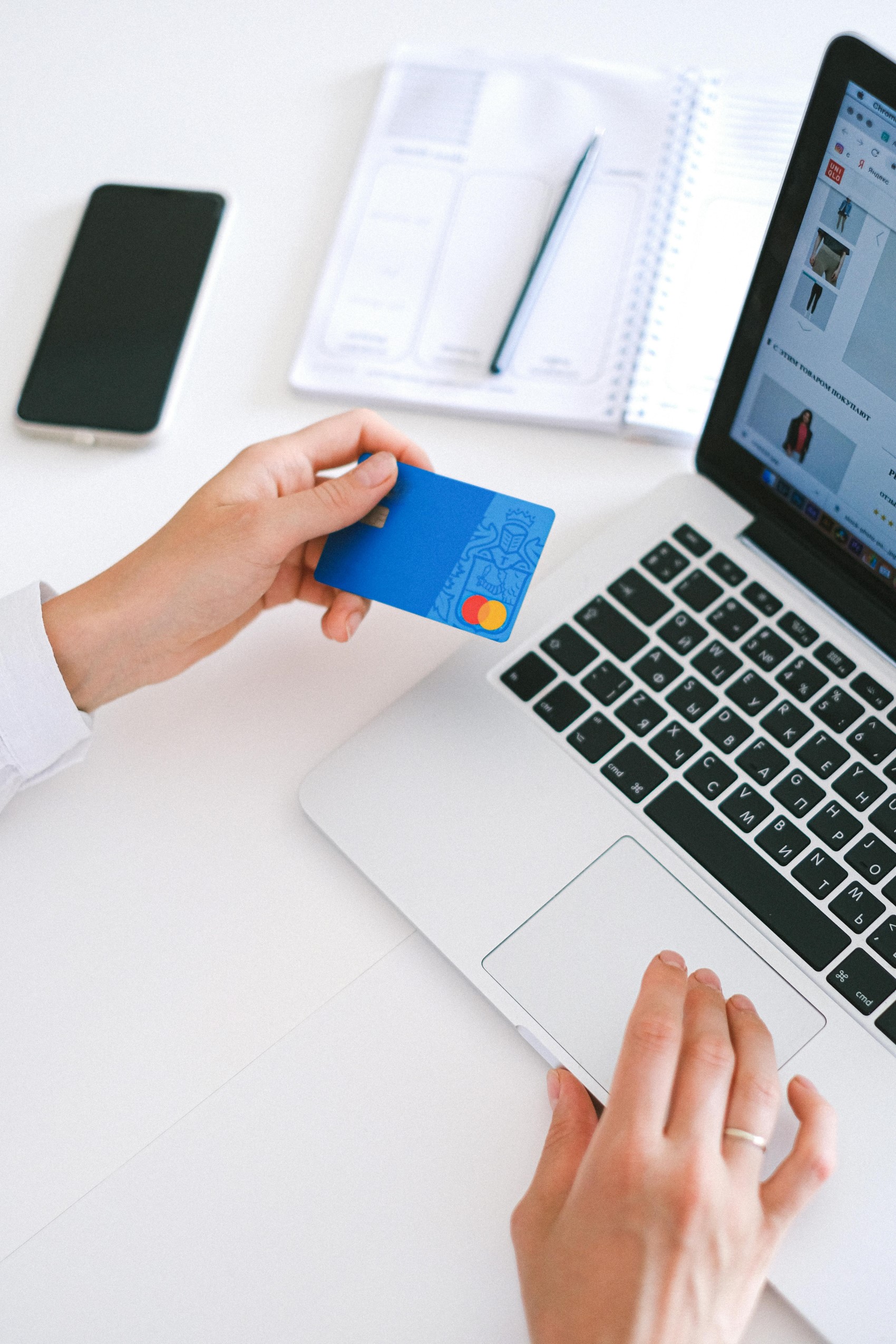
Inform your bank of your travel plans. This may be necessary to prevent them from blocking your card due to "suspicious activity" while abroad. Depending on your bank, this can be done via in-app chat, a helpline, or in-person application.

RECOMMENDATIONS FOR DEVICES AND CONNECTIONS
Install security updates. Update the operating systems, applications, and firmware on all your devices to the latest versions. Patches fix known security vulnerabilities and reduce the likelihood of successful cyberattacks.
DEVICE PROTECTION
Protect your devices. Ensure your computer, tablet, and smartphone are protected with reliable security software. Enable disk encryption and set a strong password to unlock your device.
SIM SWAP PROTECTION
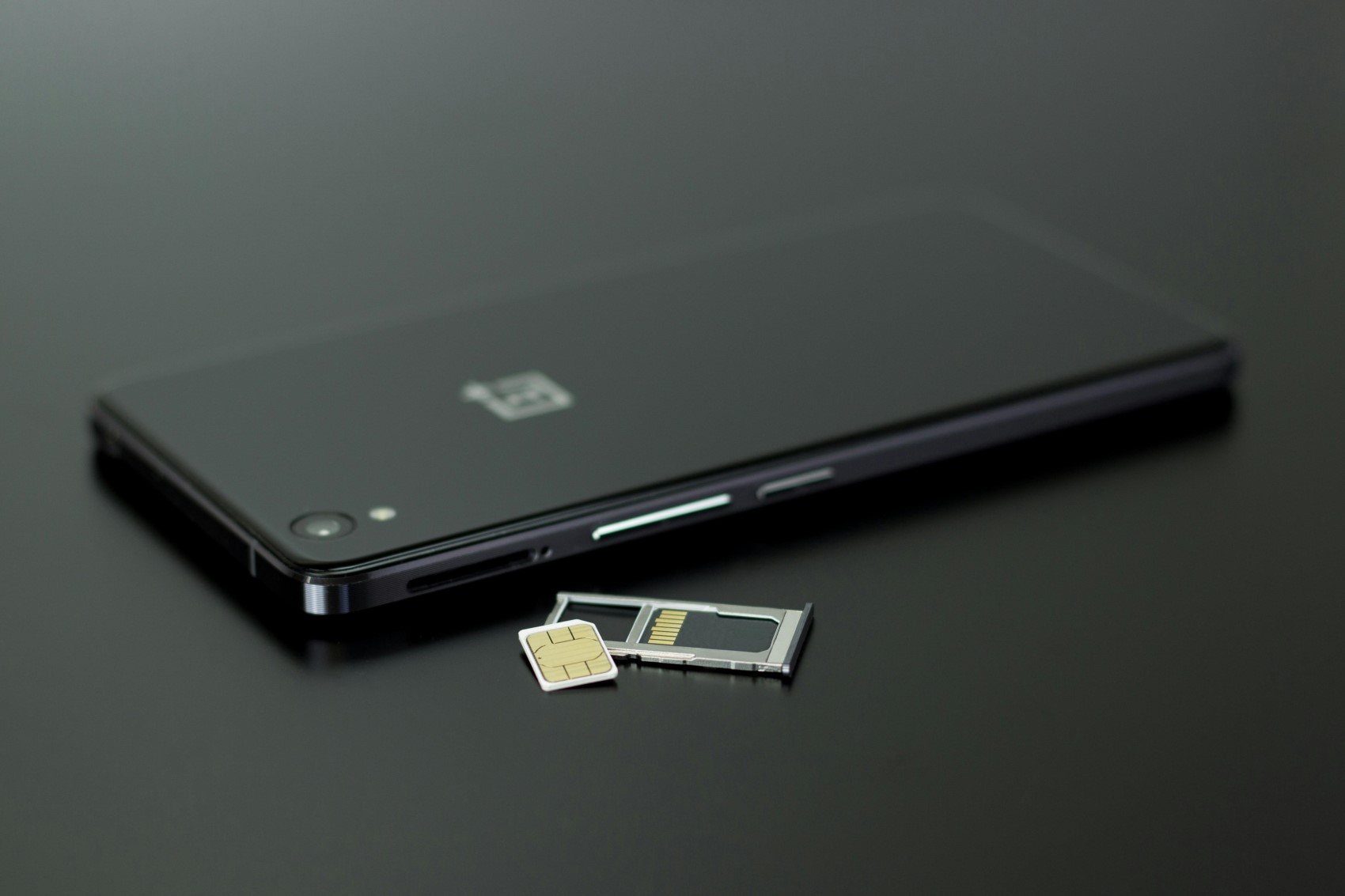
Protect your SIM cards from swap attempts. Your mobile phone number provides access to many services. It can be used to access social media, banking, public services, and most importantly, ecosystem accounts that store important personal data such as your calendar, cloud documents, and payment card data saved in your browser. Criminals may try to obtain a copy of your SIM card from a mobile store to bypass SMS or call verification. Of course, this can happen at other times, but if you are away from intervention, you may not be able to respond as quickly. Some mobile operators allow you to set a password that will cause all SIM reissue requests to be rejected. Some providers allow you to prevent them from providing remote service to you and stop anyone from changing your SIM card, even if they have a real or fake power of attorney. Check what options your provider offers and ensure you have SIM swap protection.