New features coming to iOS 18 have been announced
Apple's iOS 18 update arrived on September 16. With a customizable home screen, AI-powered applications, and RCS messaging support, it will take the iPhone experience to the next level.
12punto
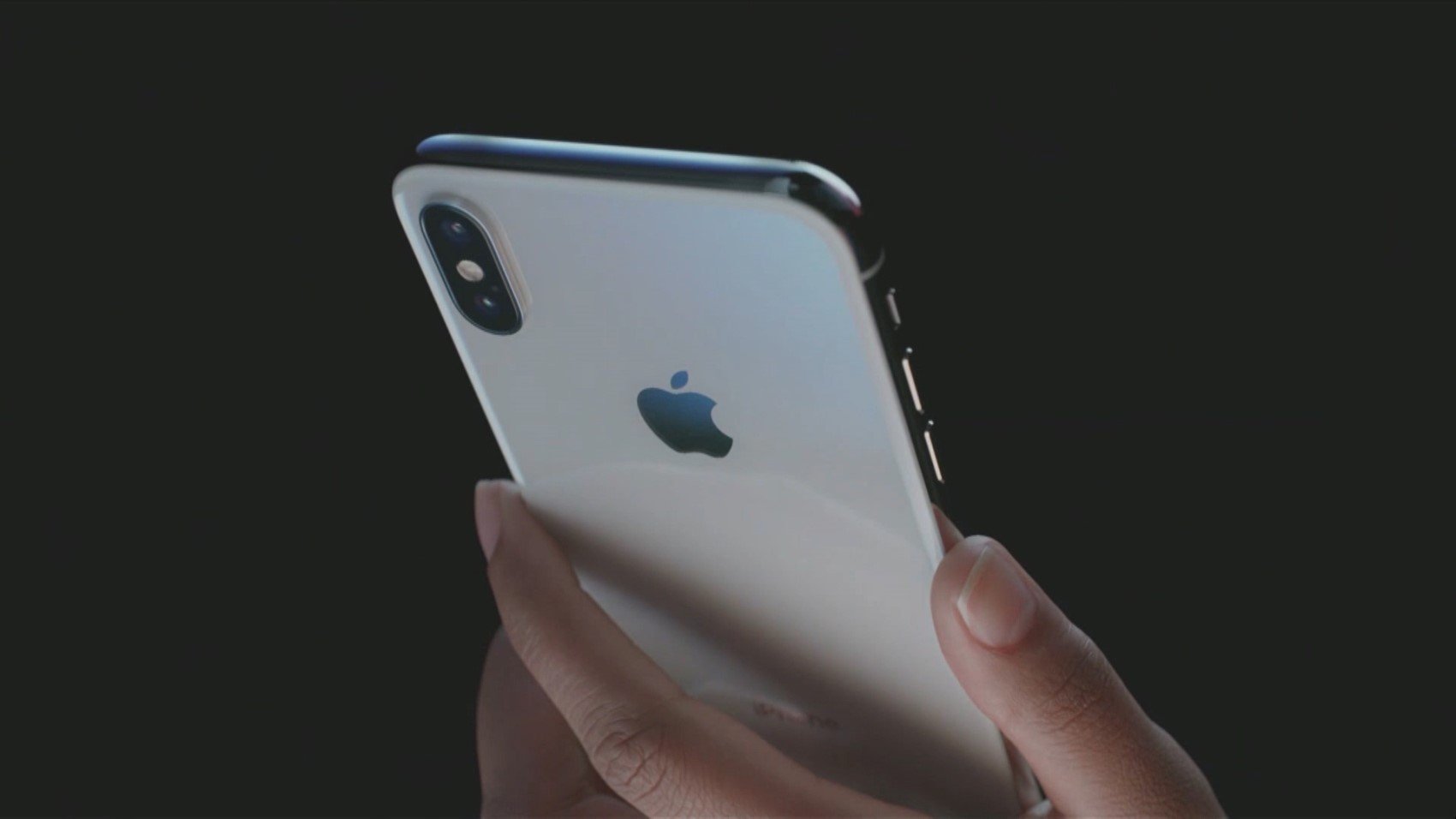
The US technology company announced that the iOS 18 update would be released on September 16, following the iPhone 16 launch held on September 9.
The new software version includes artificial intelligence enhancements for popular apps, better home screen customization, an improved Siri, and more.
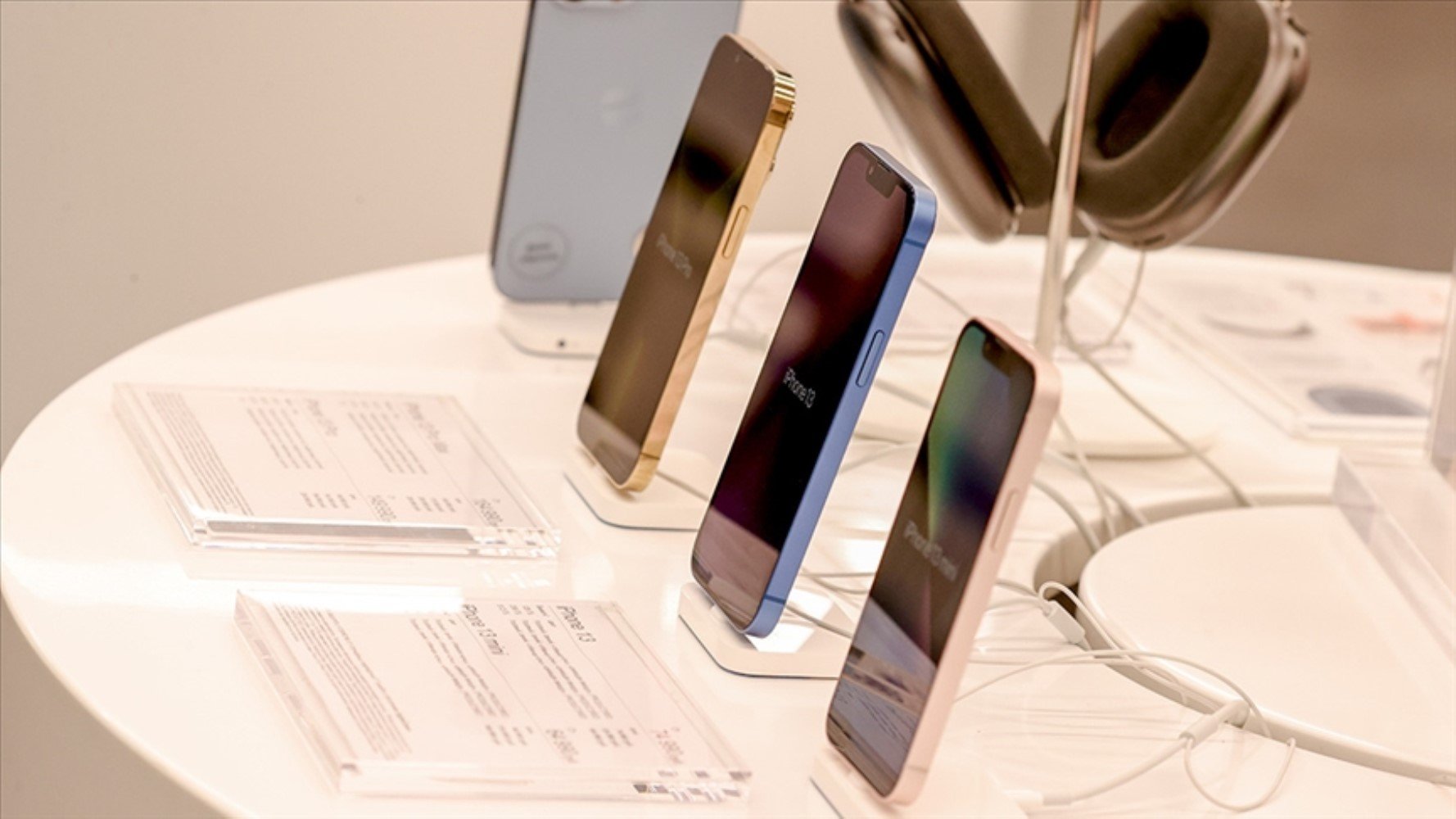
iOS 18 allows iPhone users to place icons and widgets anywhere on the home screen grid.
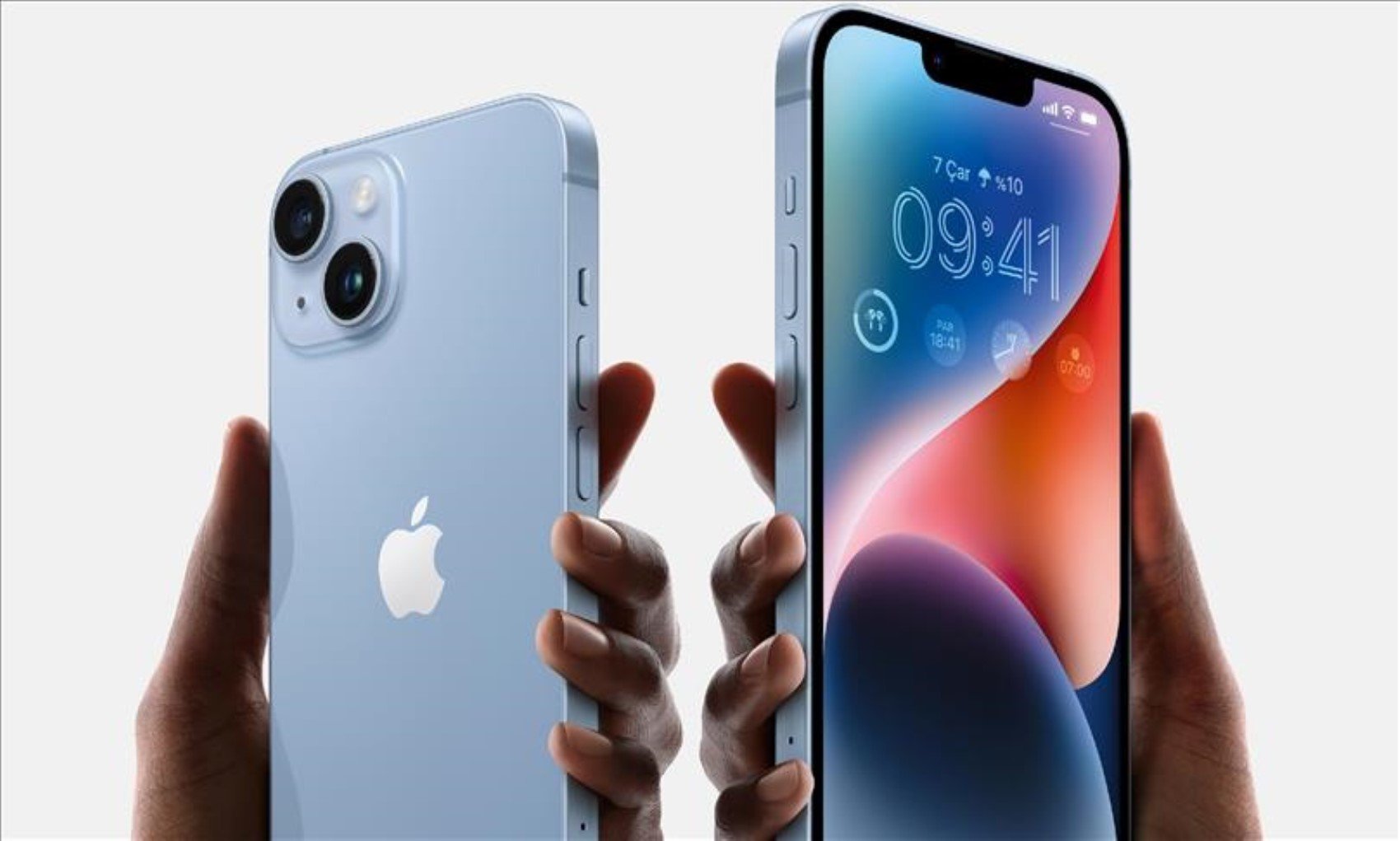
Furthermore, while you no longer have to place app icons and widgets side-by-side, it will be possible to use home screen icons in light mode, dark mode, or with a custom color tint of your choice.
Messages is one of the most used applications by iPhone users, and iOS 18 is introducing some long-awaited changes. Apple is also preparing to roll out text effects that users can apply to words in their messages.
On the other hand, iOS 18 makes it possible to schedule messages to be sent at a specified date and time.
iOS 18 includes RCS messaging support for the first time. RCS unlocks better cross-platform communication between iPhone and Android devices. This includes read receipts, typing indicators, better group chat support, high-quality photos and videos, and more.
With the MacOS Sequoia and iOS 18 updates, Apple is making it possible to mirror iPhone devices to Mac devices and take full control of the device.
After setting up iPhone Mirroring, you can also choose to receive iPhone notifications on your Mac. Then, when you click on one of these notifications, iPhone Mirroring will open automatically.