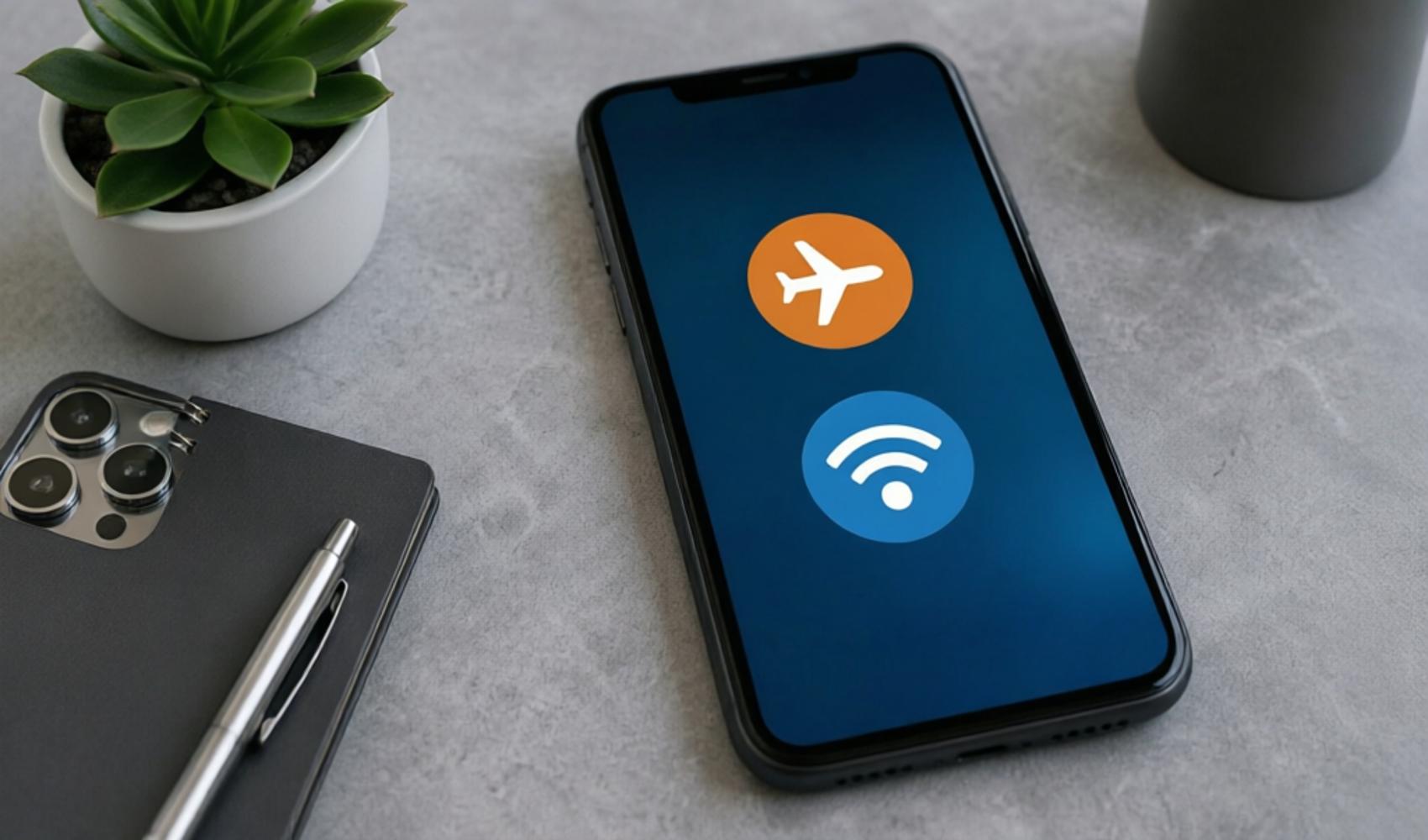
A phone ringing while in airplane mode might seem like a technical glitch at first glance. However, on modern smartphones, airplane mode may not automatically shut down all communication channels in every situation. Especially if the Wi-Fi connection is left on, calls made over the internet can still reach the user.
When airplane mode is activated, the phone's cellular connection—meaning GSM calls and mobile data—is generally disabled. For this reason, it is expected that calls made via the classic telephone line will not reach the device. However, if the device is connected to a Wi-Fi network, voice or video call notifications from applications such as WhatsApp, Telegram, FaceTime, and similar services can still be received.
Similarly, the Wi-Fi Calling feature found on some phones and with certain carriers can also lead to this situation. This feature, also known as Wi-Fi Calling, allows regular phone calls to be made or received over a wireless internet connection instead of a cellular network. Therefore, even if airplane mode is on, some calls may appear on the phone while the Wi-Fi connection is active.
WHAT SHOULD BE DONE TO BLOCK CALLS?
For users who do not want to receive any call notifications while in airplane mode, simply turning on airplane mode may not be enough. The most practical method is to turn off the Wi-Fi connection after activating airplane mode. This can prevent internet-based messaging and calling applications from sending notifications.
Additionally, the Wi-Fi Calling feature can be turned off in the phone settings. On iOS and Android devices, the name and location of this setting may vary depending on the model or carrier. When the setting is turned off, receiving carrier-supported Wi-Fi calls can be prevented even if the device is connected to a Wi-Fi network.
In summary, a phone ringing in airplane mode is usually not caused by the GSM line remaining open, but by services operating over a Wi-Fi connection. If absolute silence is desired, Wi-Fi must be turned off or the relevant calling features must be disabled in addition to airplane mode.
News Source: 12punto