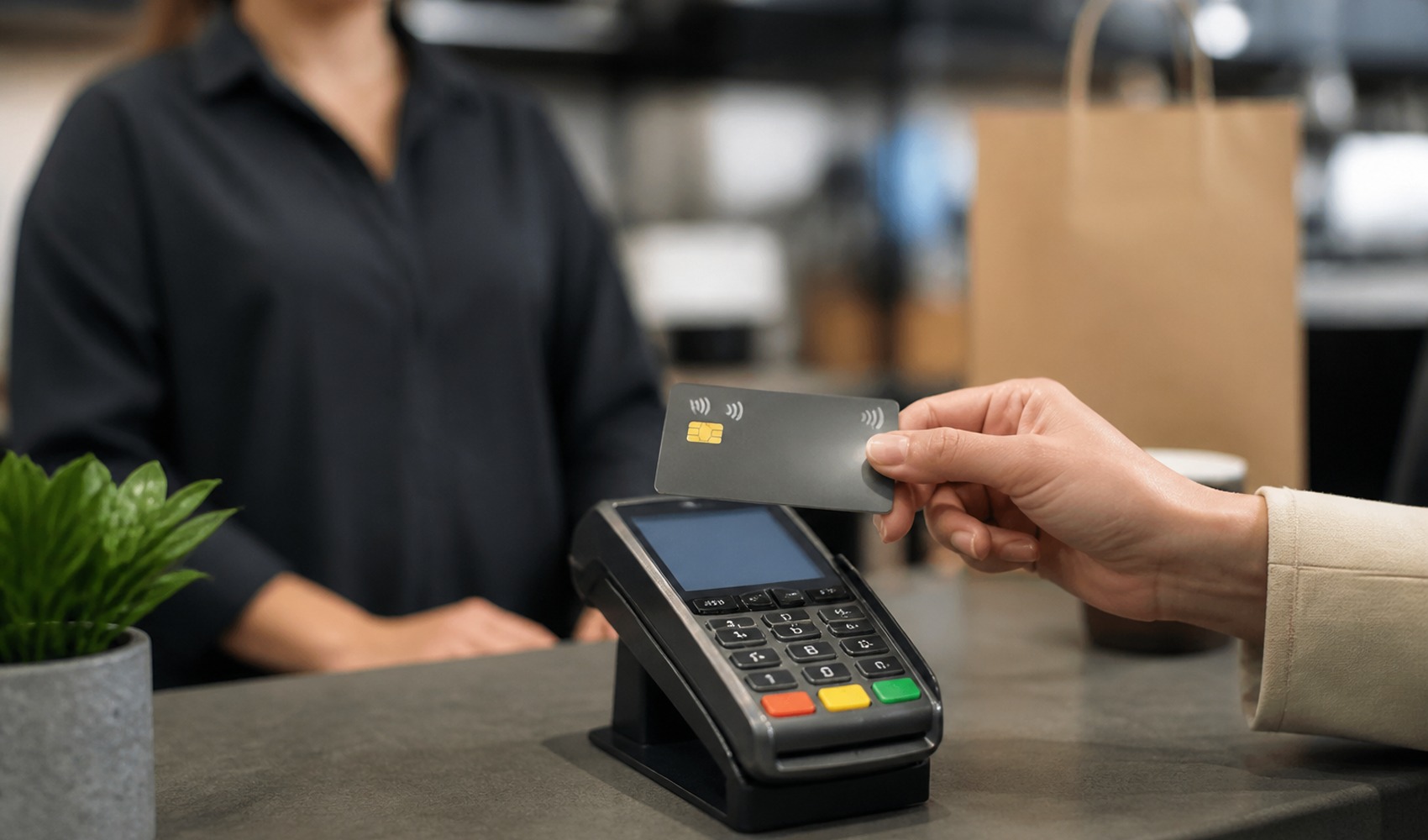
Citizens using contactless cards have been warned to check their mobile banking settings for credit card security. Experts state that keeping instant spending and transaction notifications enabled helps users detect payments made without their knowledge more quickly.
Contactless payment allows transactions to be completed in a short time without entering a PIN. However, if a card is lost, stolen, or if card details fall into the hands of others, the risk of unauthorized spending can arise.
Spending notifications found in banks' mobile applications send information about transactions made with the card to the user's phone shortly after they occur. When a cardholder sees a payment notification that does not belong to them, they can contact their bank to request that the card be blocked or canceled.
HOW TO ENABLE NOTIFICATIONS?
Users need to log into their bank's mobile application and check their spending and transaction notifications under the "Card Settings" or "Notification Preferences" section. Since menu names can vary from bank to bank, it is recommended to examine the relevant settings within the application.
- - Check your card settings in the mobile banking application.
- - If spending and transaction notifications are turned off, enable them.
- - Do not share your card number, PIN, or verification codes with anyone.
- - Avoid performing banking transactions over untrusted public Wi-Fi networks.
Instant notifications do not directly block suspicious transactions; however, they shorten the intervention time by allowing the cardholder to notice the situation quickly. If a transaction that does not belong to the user is seen on the card statement or in notifications, it is recommended to contact the bank without delay.
News Source: 12punto