

Important security warning from Ziraat Bank for its customers and citizens using digital banking services
Cases of virtual fraud, internet fraud, and digital banking fraud are rising rapidly in Turkey and around the world. With the development of artificial intelligence technologies, it has become even easier for scammers to trap people. However, it is possible to minimize such risks by taking security precautions. Ziraat Bank has drawn attention to this important issue with a detailed warning text published on its official website. This guide-like statement from the bank aims to provide guidance to citizens regarding security measures.



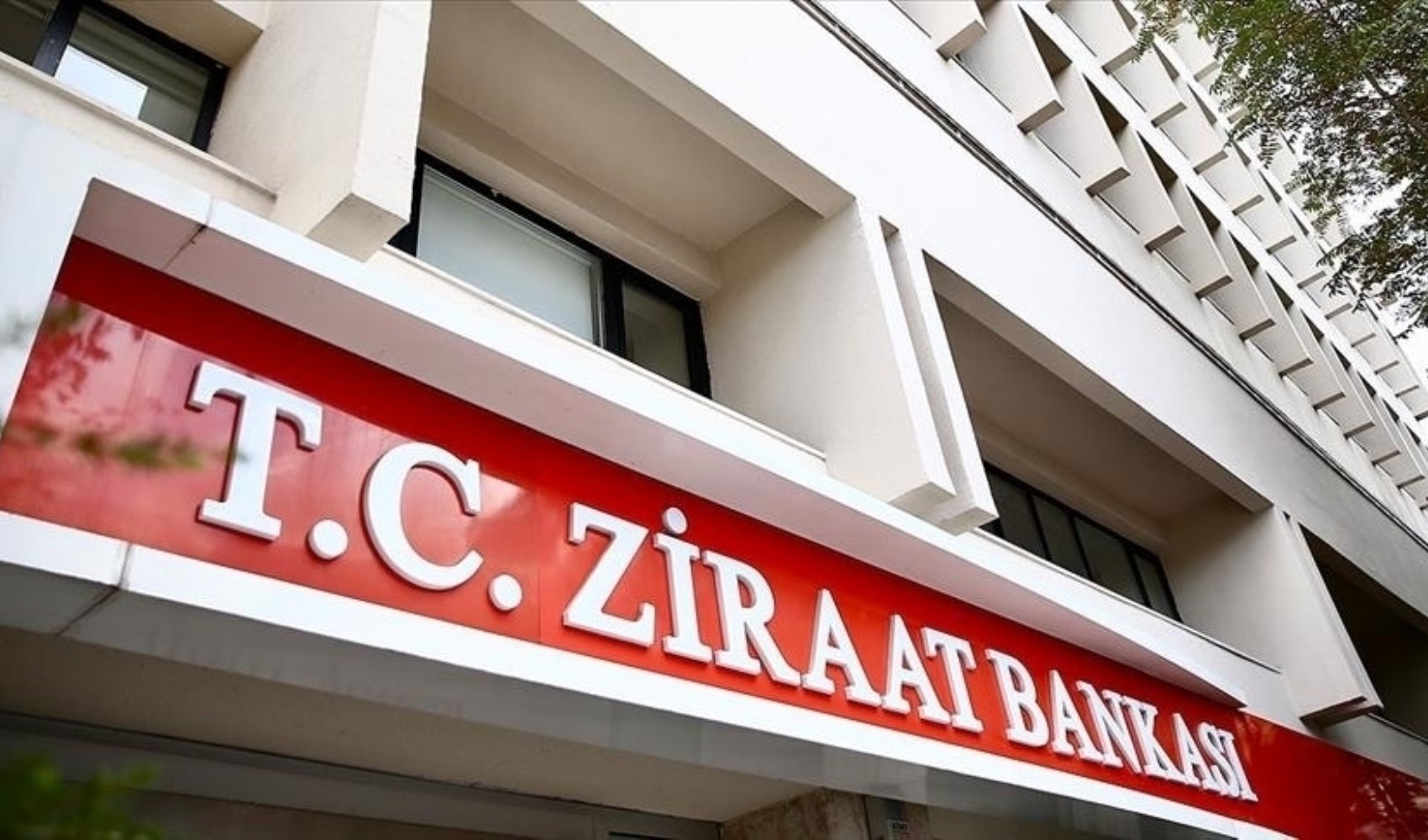
While digital banking makes our lives easier, it also brings security risks along with it.
In today's world, where cyberattacks are on the rise, protecting personal and financial information has become more important than ever. Simple yet effective measures that users can take for a secure banking experience make a big difference both individually and socially.
Banks are issuing consecutive warnings regarding security.
Ziraat Bank has also issued an important warning regarding password security, the use of up-to-date software, and the need to be cautious against fake messages while using digital banking services, and has listed the elements that need attention in bullet points.
Here are those critical warnings shared by Ziraat Bank under the heading "Things you need to pay attention to for security"
PERSONAL AND FINANCIAL SECURITY
Do not use personal information that can be easily guessed when setting your password. Increase the security level of your passwords.
Keep your personal information confidential. You should be extremely careful and skeptical if your private information found on your identity documents is requested over the phone or via email.
Do not store your customer number and password in the same place. Do not write them down in easily accessible places.
Do not trust people who call you on the phone and ask you to read or type in your card information and any of your passwords.
Close the banking transactions you do not use to Internet Banking access.
Your card information, customer number, Internet Banking password, and the single-use transaction confirmation password sent to your mobile phone are exclusive to you. Do not share this information with anyone, including our Bank's staff.
EMAIL SECURITY
Our bank does not perform password renewal/change processes via email under any circumstances and does not request your personal information. Do not respond to such emails.
Do not open emails from people you do not know, and do not accept files.
Do not enter your security information by clicking on links that come via email. Do not send your password via email under any circumstances.
Do not attempt to access Internet Banking by clicking on any link that comes via email or chat and messaging programs, even from people you know, or any link other than the addresses mentioned above.
INTERNET SECURITY
Access the site by typing "https://www.ziraatbank.com.tr (This page will open in a new window)" into your browser's address bar.
Ensure that the Internet Branch address starts with "https://bireysel.ziraatbank.com.tr (This page will open in a new window)" or "https://kurumsal.ziraatbank.com.tr (This page will open in a new window)".
On the pages that open, there should be a lock icon in the bottom or top right corner of your browser. The Ziraat Internet Branch SSL Security Certificate is a security protocol developed by Netscape to ensure security and privacy during information transfer over the network.
SSL ensures that the sent information can be decrypted absolutely and only at the correct address. Information is automatically encrypted before being sent and can only be decrypted by the correct recipient. By performing verification on both sides, the confidentiality and integrity of the transaction and information are protected.
Use an up-to-date browser such as Microsoft Internet Explorer, Google Chrome, Mozilla Firefox, Apple Safari, or Opera; if you are not using one, update your browsers for free from the official sites of the developer companies.
SOCIAL MEDIA SECURITY
Follow our bank's official social media accounts.
Ensure that the accounts you follow have information and verification marks indicating that they officially belong to our bank.
Do not click on links sent using our Bank's name through fake accounts on social media applications.
WIRELESS NETWORK SECURITY
Do not use unsecured wireless networks.
Do not perform banking transactions over networks belonging to public places such as internet cafes, airports, hotels, or dormitories.
SMARTPHONE SECURITY
Regularly update your mobile phone's operating system and protect it with anti-virus software.
Install our bank's mobile banking application only via Apple Store (This page will open in a new window), Google Play Store (This page will open in a new window), and Huawei App Gallery (This page will open in a new window).
Do not install any software from unknown sources on your smartphone, personal computer, or tablet; do not open links sent via SMS from sources you are not sure about.
If malicious software is detected on the device you are using, your access to internet and mobile banking may be restricted for your security. The malicious software on the device can be removed by formatting the device. After the necessary precautions are taken on the device, your internet banking access will be automatically activated.
COMPUTER SECURITY
It is very important to use an anti-virus program, an anti-spyware program, and a firewall to detect and resolve potential security vulnerabilities during internet use and to protect yourself against possible attacks. While anti-spyware programs protect your computer against spyware trying to collect your internet usage information, firewall software prevents programs on your computer from connecting to the internet without your knowledge.
Use only licensed operating systems and keep your web browser up to date. Malicious software exploits security vulnerabilities in outdated operating systems and browsers.
Use anti-virus software on your computer and keep your virus database up to date. Perform virus scans periodically.
If malicious software is detected on the device you are using, your access to internet and mobile banking may be restricted for your security. The malicious software on the device can be removed by formatting the device. After the necessary precautions are taken on the device, your internet banking access will be automatically activated.
News Source: 12punto
Related News
Most Read

Mother, father, and their 5-year-old child jump from the 2nd floor

Turkey's starting 11 for the Belgium match has been determined
Good business with Trump!..
My rent in America was endorsed to the bearer, Abdülmecid
The same country, two economic realities

A new world in the East, old habits in the West

Deafening and blinding operations: Identity politics

Has Noah’s Ark been found?
The threat in Yemen is crossing borders

Critical data for gold to be released today