

How to perform a graphics card health test? Steps to follow to understand GPU issues
Symptoms such as freezing, image distortion, and overheating can indicate a GPU failure. The source of the problem can be understood with the right tests.



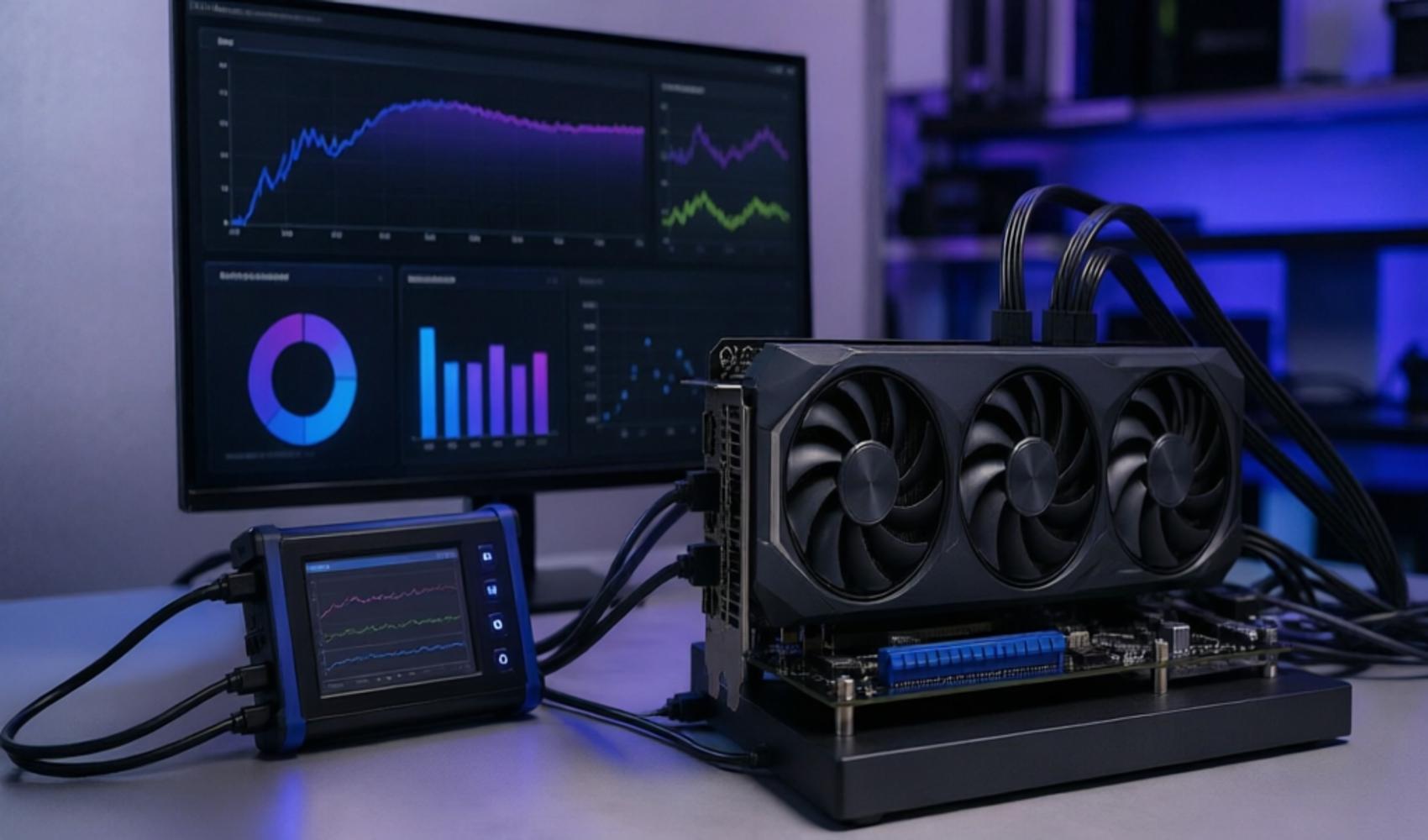
Sudden freezes during gaming, lines on the screen, color distortions, or lower-than-expected frame rates do not always mean the graphics card has completely failed. However, these symptoms indicate that the GPU's behavior under load needs to be checked. This is exactly where a graphics card health test comes into play.
A health test does not just look at whether the graphics card is outputting an image; it evaluates values such as temperature, performance, fan behavior, and system stability together. Especially in processes that create heavy graphics loads such as gaming, video processing, and 3D modeling, the GPU works at high capacity for long periods, so overheating, performance drops, or instability may be seen over time.
BEFORE STARTING THE TEST
Before starting the test, unnecessary applications running in the background should be closed, drivers should be ensured to be up to date, and the airflow in the case should be checked. Dusty fans, insufficient cooling, or a weak power supply can directly affect test results. Therefore, looking only at a benchmark score can be misleading.
One of the most commonly used methods to stress a graphics card is a stress test. Tools such as FurMark, 3DMark, Unigine Heaven, and MSI Kombustor measure the system's durability by putting the GPU under high load in different graphics scenarios. While FurMark stands out more with maximum load testing, 3DMark turns scenario-based performance results into a score.
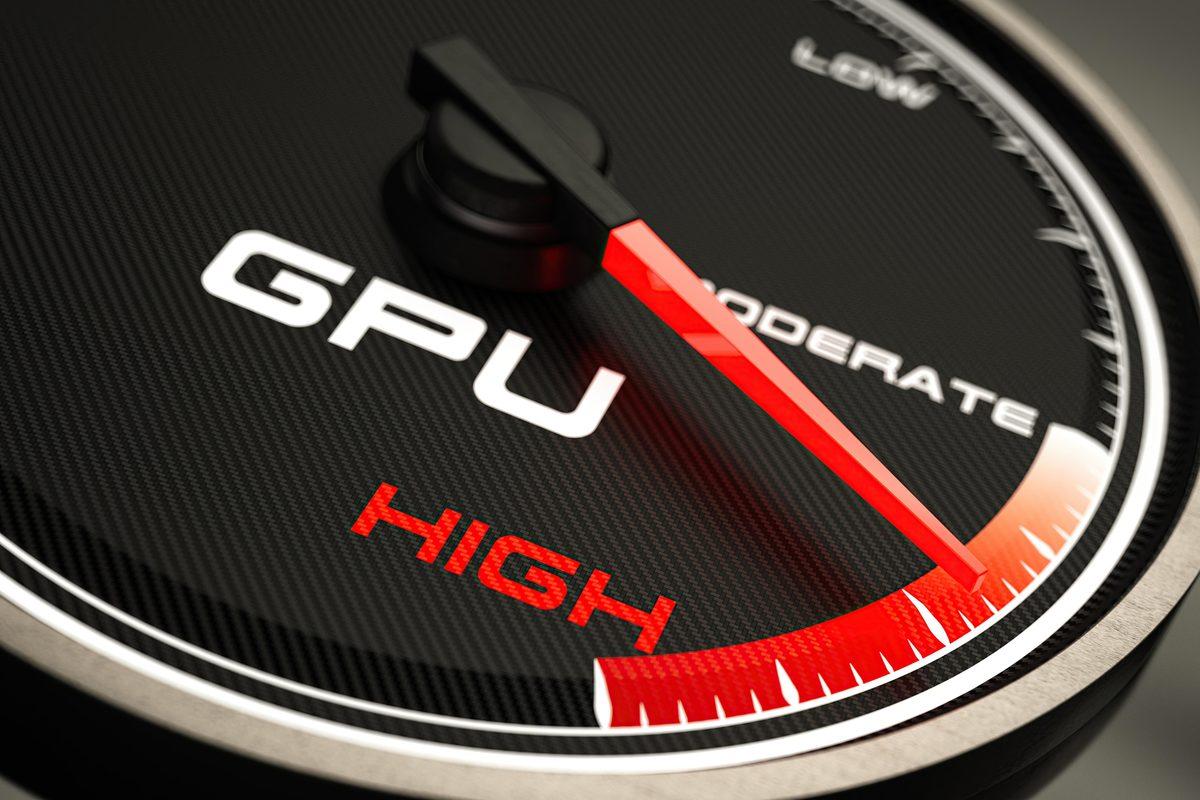
The most critical issue when performing a stress test is temperature monitoring. In normal use, GPU temperature ranges between 60-75 degrees in most systems. Levels of 80 degrees can be seen in intensive stress tests; however, values above 90 degrees are considered risky. At these levels, the graphics card may lower its performance to protect itself. This situation is known as "thermal throttling."
Software such as MSI Afterburner can be used for temperature monitoring. These tools allow for tracking data such as instantaneous temperature, fan speed, and usage rate via graphs. A rapid rise in temperature during the test, sudden fluctuations, or fans not responding as expected indicate that there may be a problem on the cooling side.
HOW TO INTERPRET THE RESULTS?
If a graphics card looks powerful but receives a lower-than-expected score in benchmark tests, the problem may not be directly caused by the GPU. Bottlenecks in the processor, RAM, power supply, or software side can also reduce performance. Therefore, the test result should be read in conjunction with the general behavior of the system.
Symptoms that strengthen the possibility of a failure include color distortions on the screen, lines, graphics errors known as "artifacts," the system locking up during gaming, sudden restarts, and higher-than-expected temperature values. If these signs recur, especially during a stress test, the probability of a hardware problem increases.
- - If the screen goes black or the system shuts down during the test, a power or temperature issue should be investigated.
- - If the frame rate is constantly fluctuating, the processor and memory side should also be checked in addition to the GPU.
- - Temperatures above 90 degrees can pose a risk to hardware in the long term.
- - Long-term stress tests can unnecessarily strain the graphics card, so the duration should be kept under control.
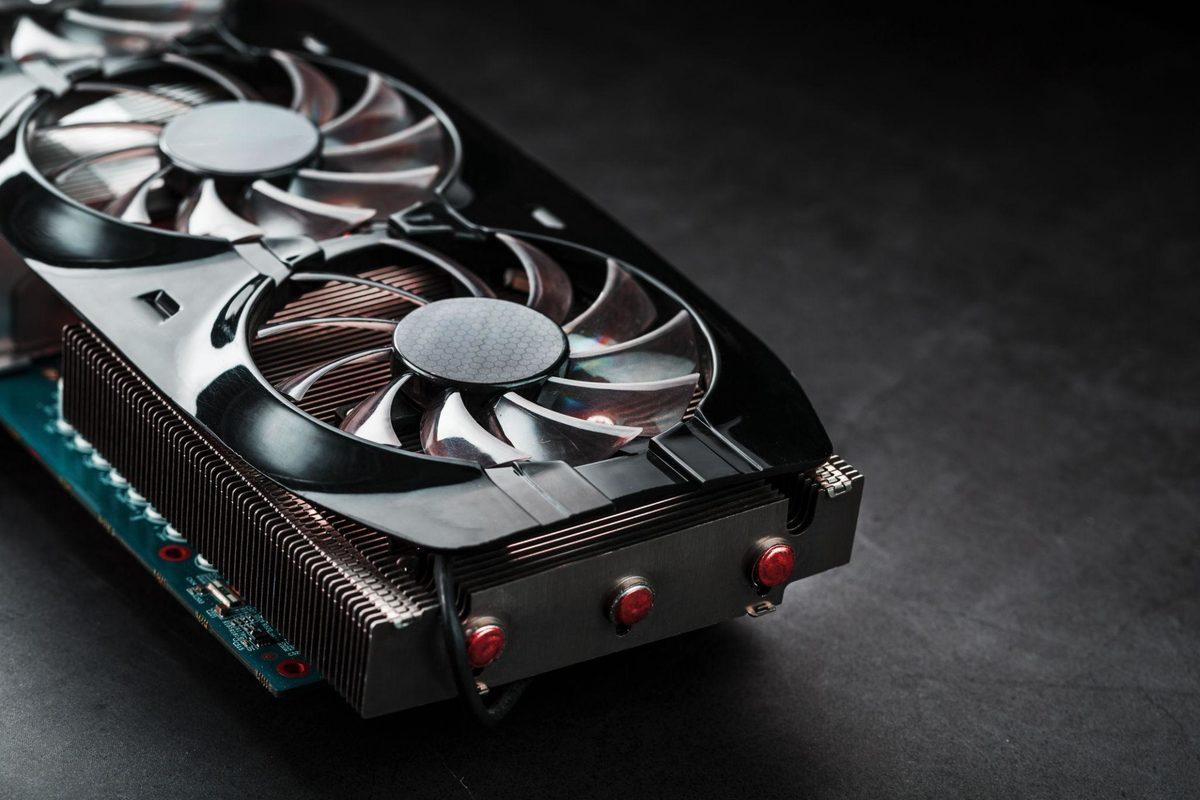
A graphics card health test is a practical method to prevent unnecessary part replacements and to see the true state of the system. Short and controlled tests performed with the right tools reveal the GPU's performance, temperature limits, and stability more clearly. Thus, it can be evaluated more reliably whether the problem stems from the hardware, cooling, or another component of the system.
News Source: 12punto
Most Read

Price hike for Netflix Turkey plans

Market values updated in the Süper Lig

'Fatma Betül Sayan Kaya changed 60 chiefs of staff'
29 more workers dismissed at Üsküdar Municipality
'The league starts in a week, and there is no MHK'

Fear has gripped the mountains!

The amount Melis Sütşurup earned from the fund is staggering
Supreme Court ruling on retirement affects millions!
A magnificent farewell to Bosnia and Herzegovina legend Edin Dzeko
The American dream: Work and Travel