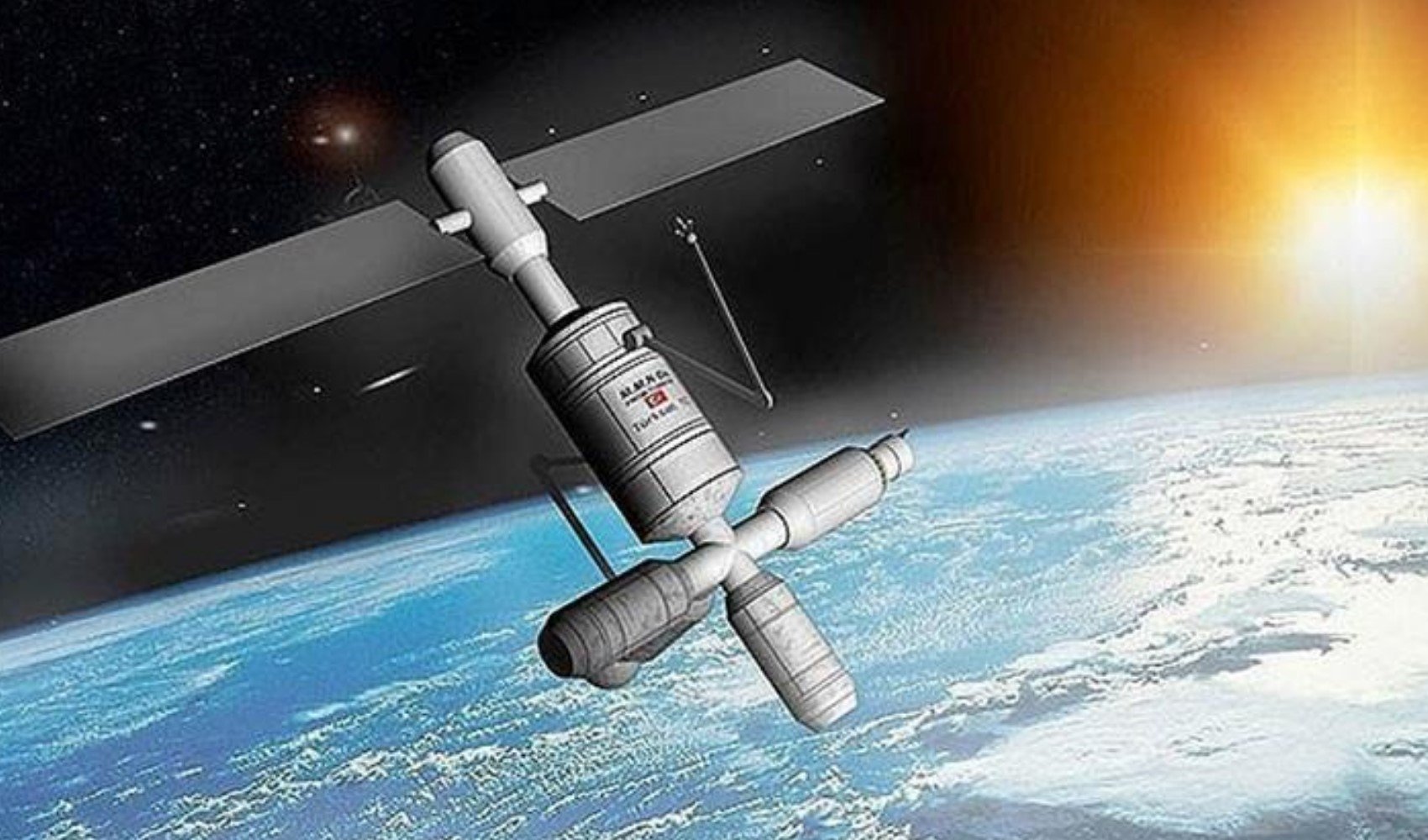
Türksat has announced that it has updated its satellite frequencies.
According to the statement made by the company, the frequencies and broadcasts of all encrypted and unencrypted channels broadcasting in the country are provided via Türksat's 4 different communication satellites. There is no need for an additional antenna to watch these broadcasts.
While the current frequencies of the channels on Türksat satellites change from time to time, there is no need to make changes to existing antenna settings.
By configuring satellite receivers with the correct frequency settings, it is ensured that high-quality broadcasts can be received via Türksat satellites.
HOW TO ADJUST TÜRKSAT FREQUENCY SETTINGS?
Türksat Channel Update System (TKGS) compatible satellite receivers do not require any manual adjustments, as the receivers update the new frequencies automatically.
For satellite receivers that are not compatible with TKGS, frequency settings must be configured and a network scan must be performed.
Detailed information regarding installation and setup can be accessed via the Türksat link: "https://uydu.turksat.com.tr/tr/kilavuzlar/canak-anten-ve-uydu-alicisi-kurulumu".
News Source: AA