
Wi-Fi, which has become an indispensable part of daily life, does not slow down solely due to issues originating from the internet service provider. Certain items in the home, the structure of the walls, and even weather conditions can affect the quality of the wireless connection.
Prof. Alex Hills, who led the team that established one of the first major Wi-Fi networks at Carnegie Mellon University in 1993, describes the obstacles to wireless signals as the "bad boys of radio." While some of these obstacles are predictable, others are quite ordinary household items.
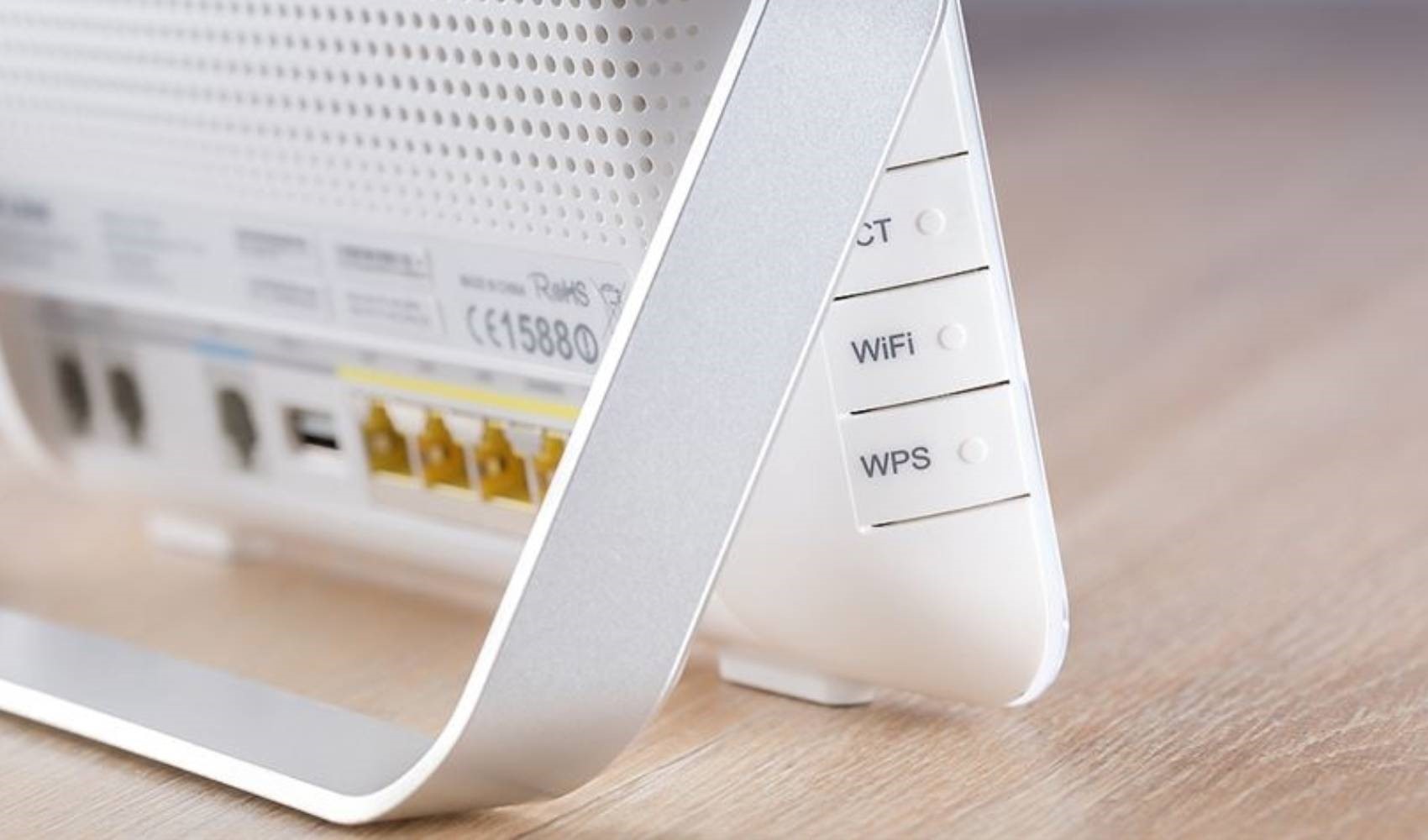
DAILY OBSTACLES THAT WEAKEN THE SIGNAL
One of the most well-known examples is microwave ovens. The 2.4 GHz band, commonly used by Wi-Fi networks, is in the same frequency range that microwave ovens use to heat food. Although this effect is usually limited in newer devices due to better insulation, old or worn-out microwaves can cause connection drops.
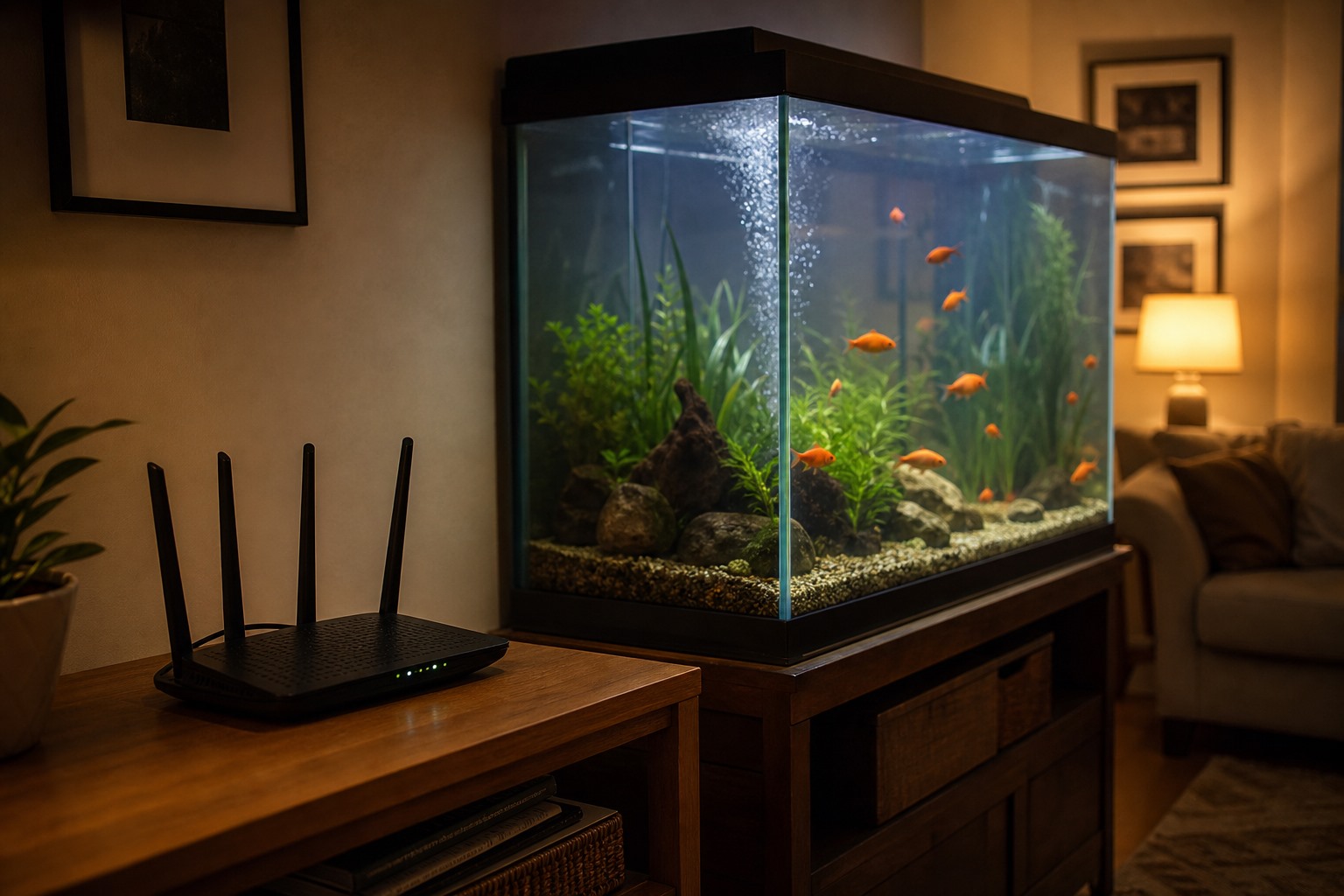
Aquariums can also be an unexpected obstacle for Wi-Fi. Since water molecules can reduce the strength of a radio signal, having a large aquarium between the router and the device can lead to the formation of "dead zones" in some parts of the house. Similarly, dense building materials like concrete and brick also make it difficult for the signal to pass through.
Reflective surfaces can also affect the connection. Mirrors, large televisions, or metal surfaces can reflect radio waves in different directions, making it difficult for the signal to reach the desired point. For this reason, in a spot where the connection is weak, it may be useful to check which items are located on the line between the router and the device.
According to experts, the simplest solution is to place the router in the center of the house and at the highest point possible. If the problem persists due to thick walls or large living spaces, Wi-Fi extenders or Mesh network systems can help distribute the signal more evenly throughout the house.
Weather conditions can also cause connection problems, especially when they affect external infrastructure. Extreme cold, snow accumulation, or heat waves can strain network equipment and satellite connections. However, for issues within the home, the first place to check is often the area around the router.
News Source: 12punto