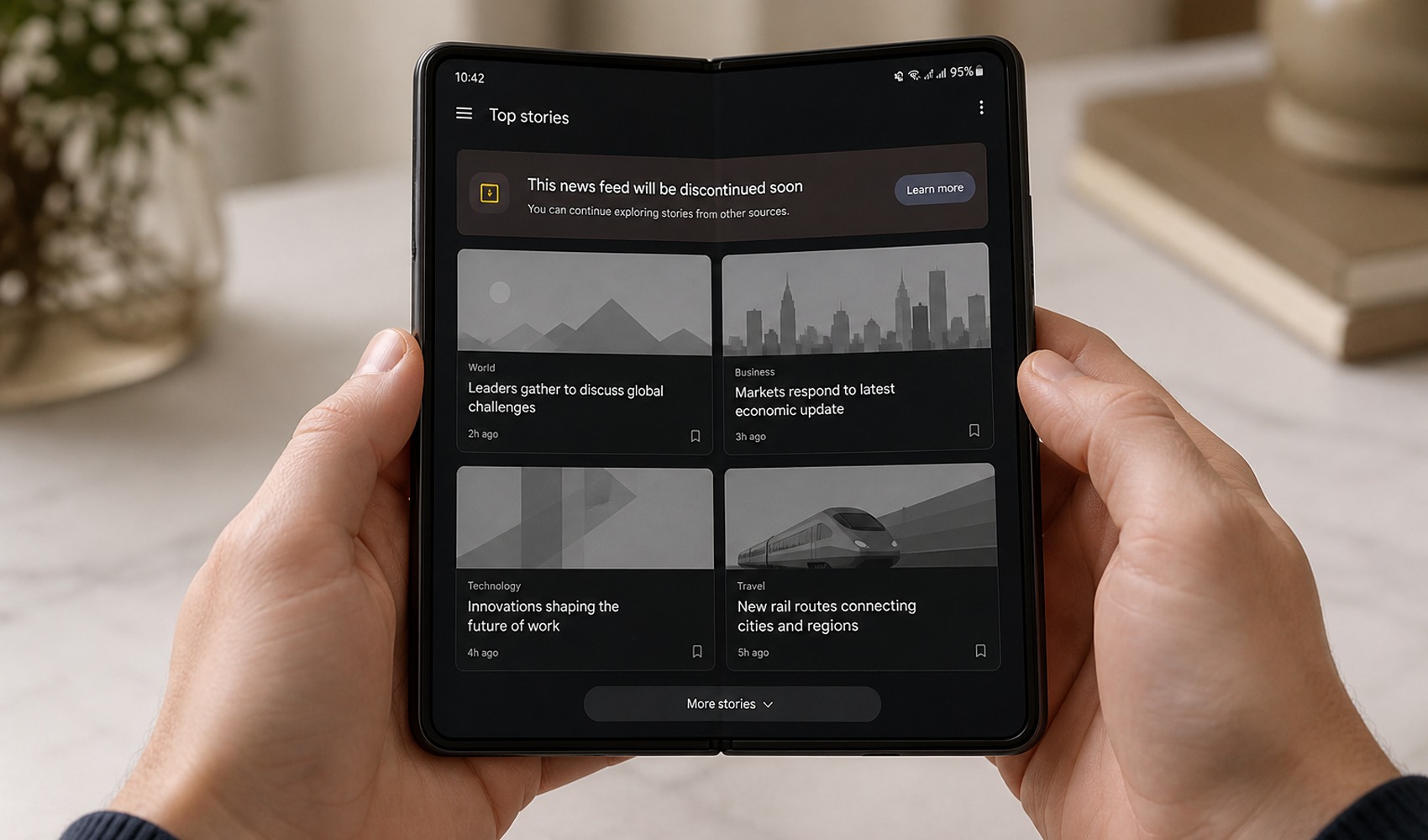
The shutdown process has begun for Samsung News, the news aggregation service that Samsung has maintained under various names for nearly 10 years. The company announced that the service will end in certain markets, such as India and South Korea, as of December 21, 2026.
With this announcement, Galaxy phone and tablet users are expected to shift to Google Discover for their home screen news feed experience. It is anticipated that Samsung News may be shut down globally on the same date or shortly thereafter.
Samsung News was the final version of a service that began in 2017 under the name Bixby Home, later continuing as Samsung Daily and Samsung Free. The application was renamed Samsung Free at the end of 2020, before being revamped and transformed into Samsung News.
HOW TO SWITCH TO GOOGLE DISCOVER?
On Galaxy devices with newer One UI versions, users can access the Google Discover option by long-pressing on the home screen and swiping to the right. Enabling the option to add a media page through home screen settings is another method.
In the settings menu, by entering the home screen section, the media page addition feature can be turned on, and Google Discover can be selected from there. This allows users to move their home screen news feed to Google's personalized content service before Samsung News shuts down.
Samsung also recommends that users remove the Samsung News widget from their home screens. To delete the widget, simply long-press on it and select the remove option.
The company did not share a detailed reason for why the service is being shut down. However, the decision comes at a time when news consumption on mobile devices is increasingly being shaped around personalized feeds and search ecosystems.
News Source: 12punto