 1 / 8
1 / 8
WHAT IS A MOTHERBOARD? WHAT DOES IT DO?
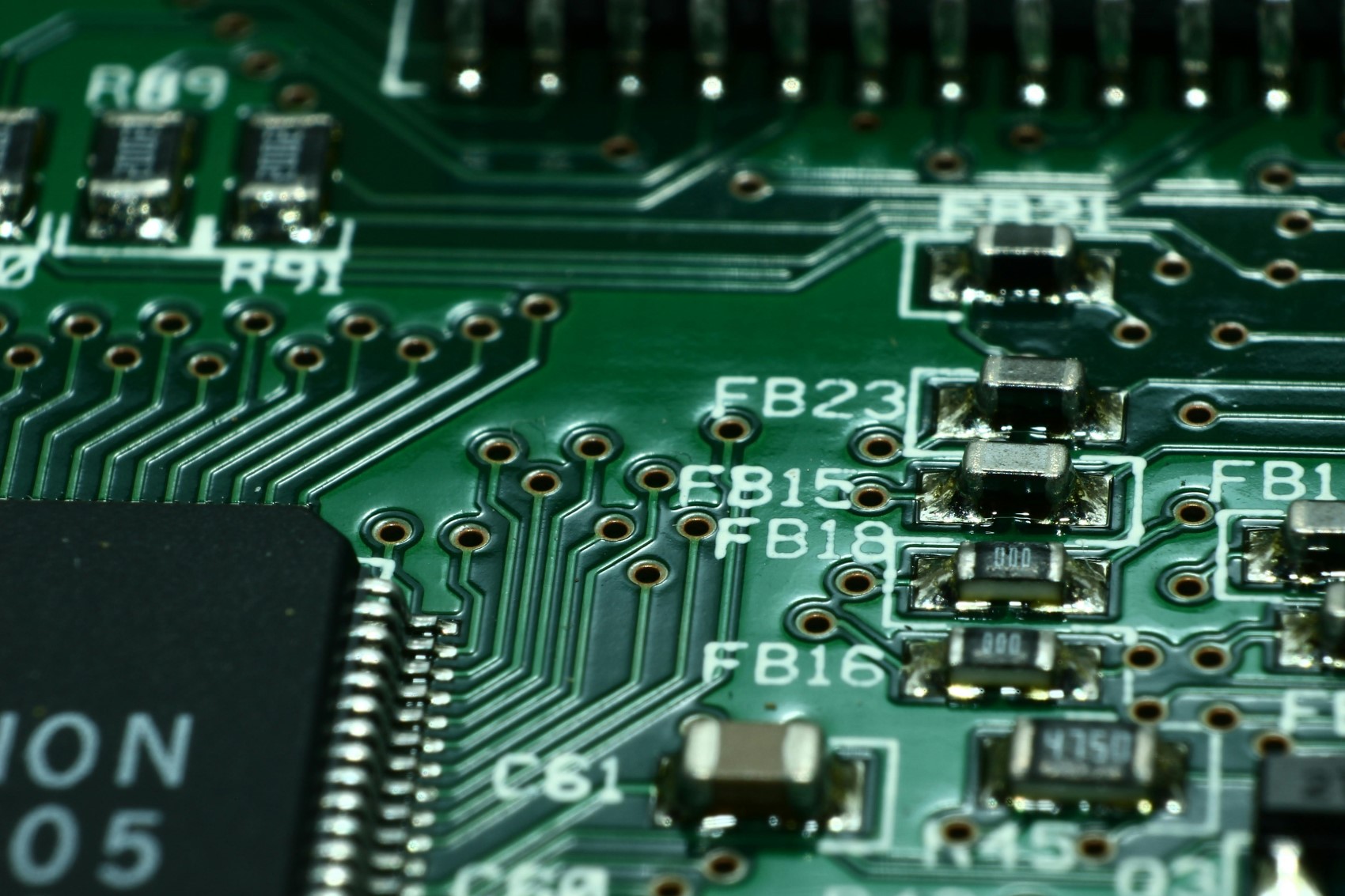
The motherboard is one of the most important components of your PC setup, as it brings all your computer's components together, enables them to communicate with each other, and affects the performance of your system.
While the power supply is a separate piece of hardware in a computer, the motherboard also functions as the hub that distributes power to all components.
 2 / 8
2 / 8
THINGS TO CONSIDER WHEN CHOOSING A MOTHERBOARD
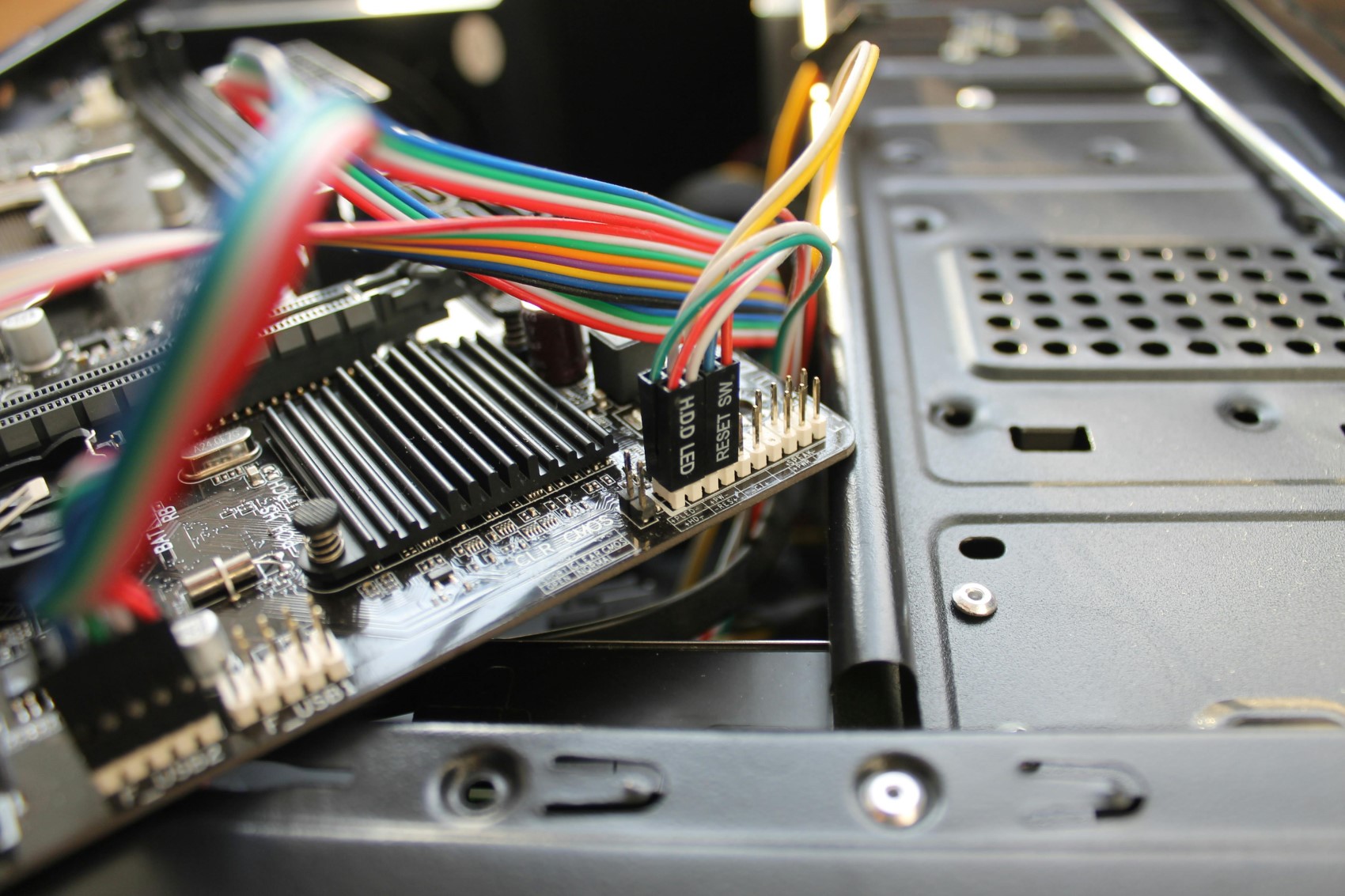
There are some important factors to keep in mind when purchasing a new motherboard, whether as a spare or as the main power hub for a new computer you are building.
 3 / 8
3 / 8
BUDGET
Before considering all the extra features, you must, of course, make a choice that fits your budget for a motherboard, which has many options. Some motherboards are simple and sufficient for a computer's basic requirements, while some high-end motherboards can offer very different features. Ultimately, you need to decide what you need for your computer.
 4 / 8
4 / 8
PROCESSOR COMPATIBILITY
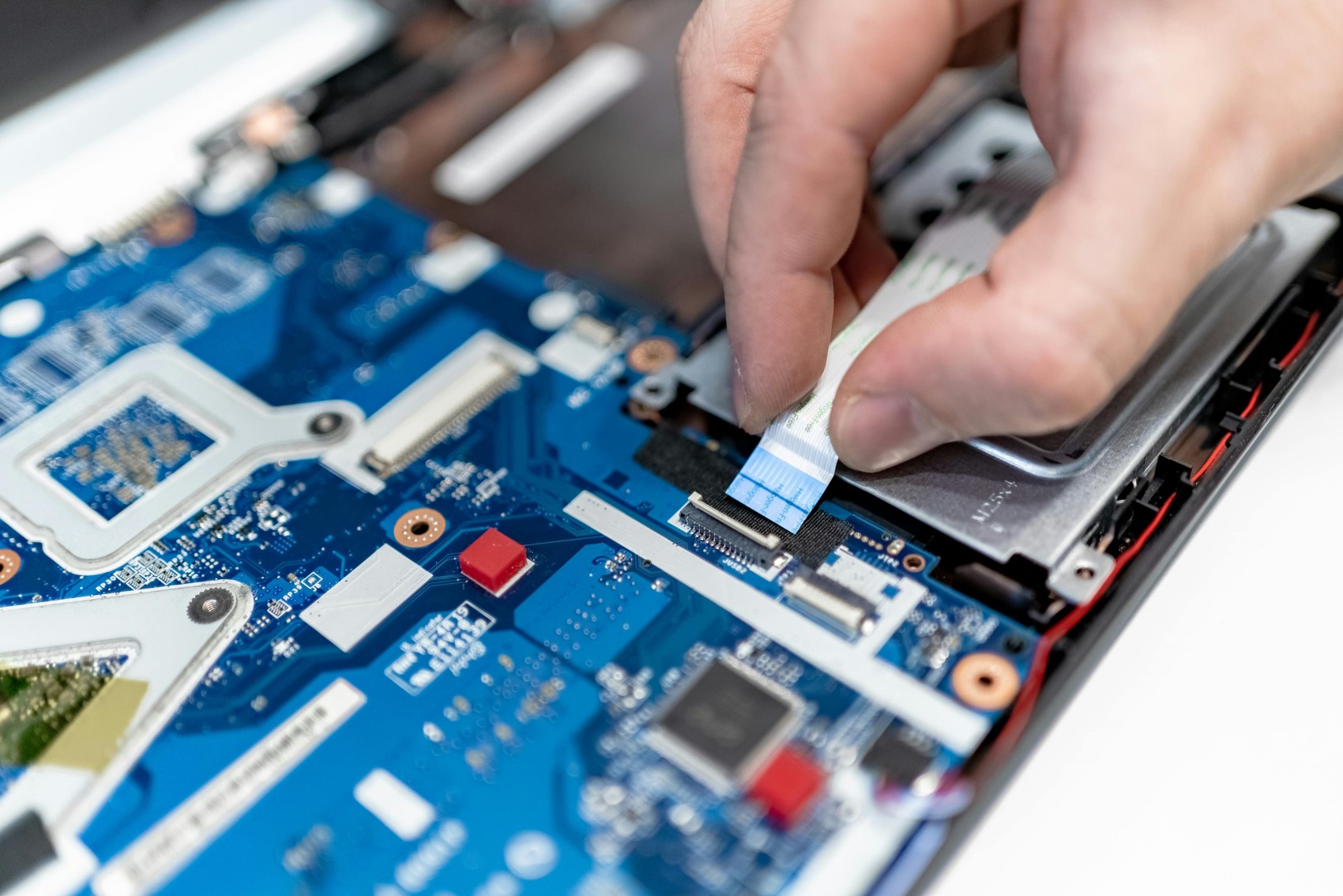
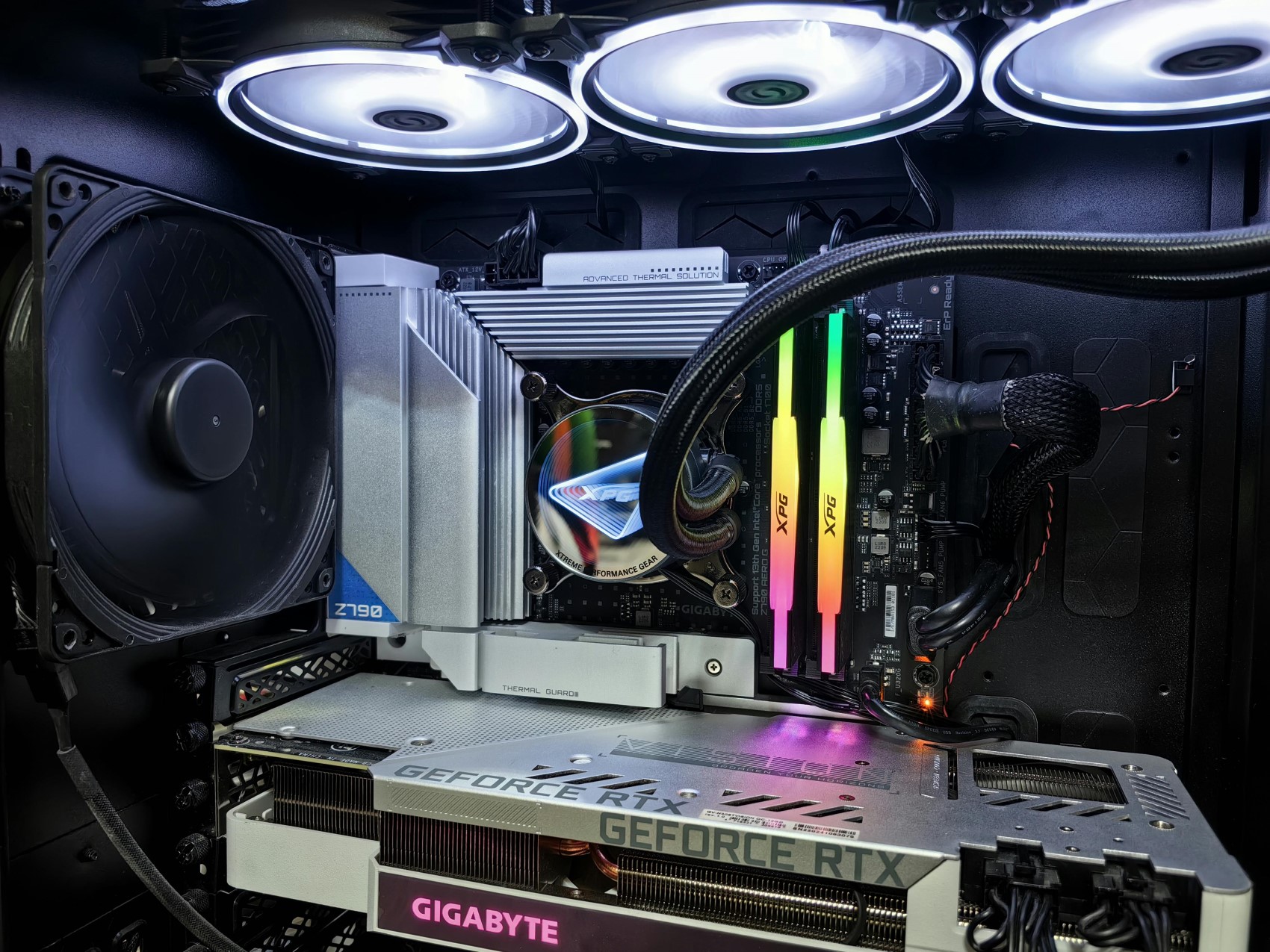
Your motherboard must be compatible with the processor you choose. Check your processor's socket type and generation, and examine the processors supported by the motherboard.
 5 / 8
5 / 8
CPU COMPATIBILITY: CHIPSET
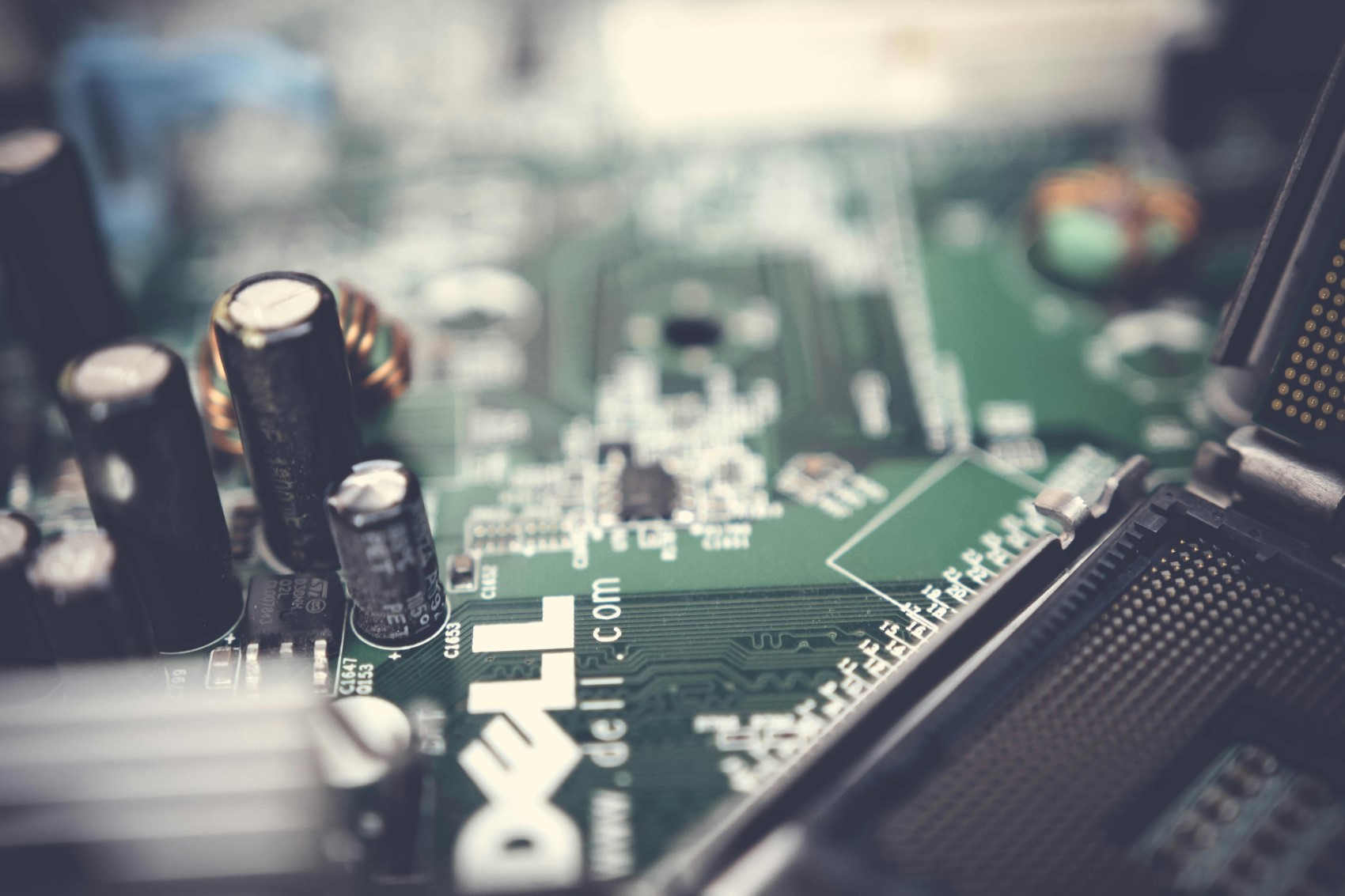
When buying a new motherboard, compatibility is among the most important issues. The other hardware you purchase must also be compatible with the motherboard.
 6 / 8
6 / 8
FORM FACTOR AND CASE
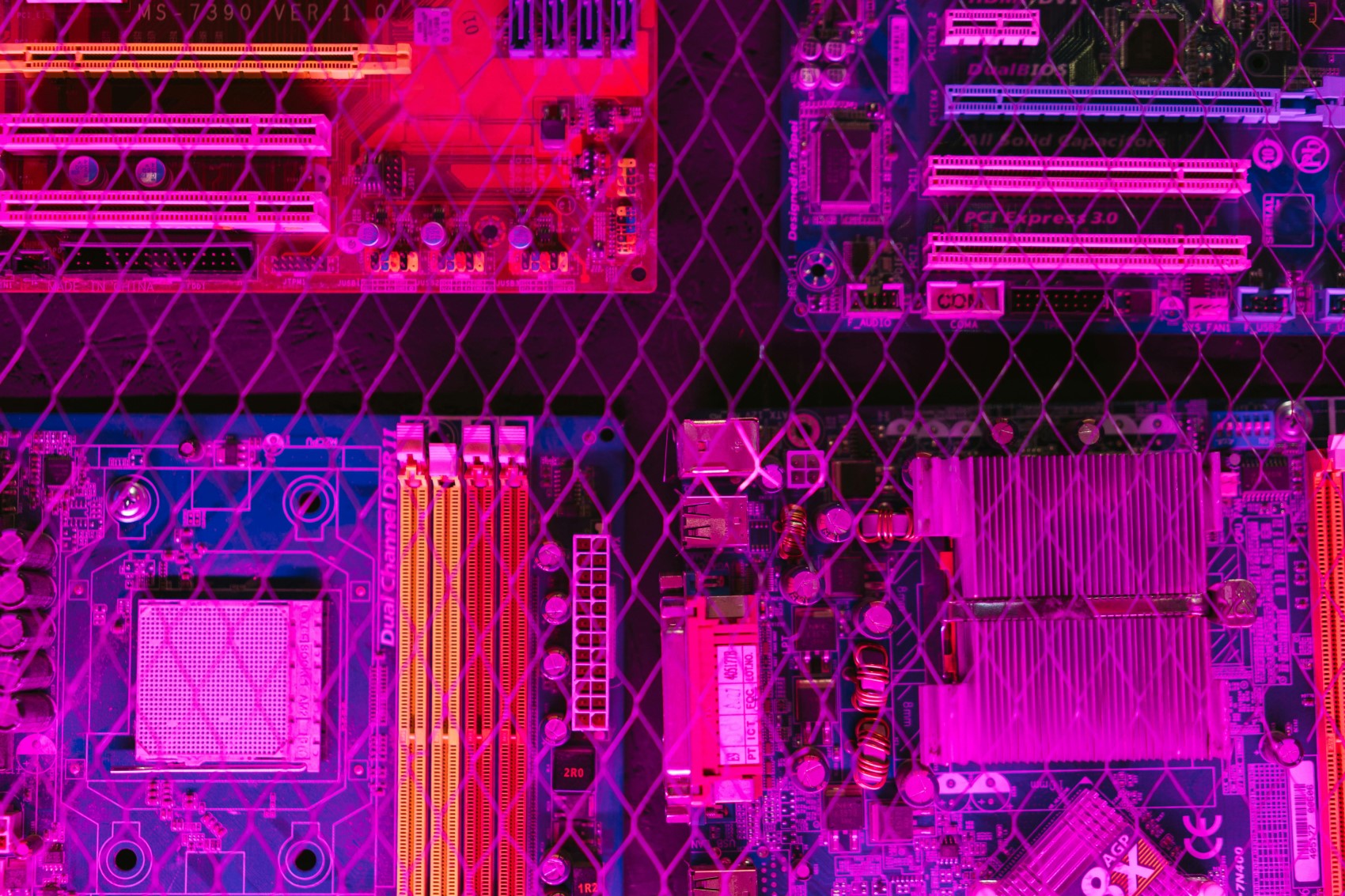
The term form factor relates to the size of your motherboard. There are basically three sizes: ATX, Micro-ATX (mATX), and Mini-ITX. Of these three sizes, ATX is the largest, Mini-ITX is the smallest, and Micro-ATX falls in between the two.
 7 / 8
7 / 8
PCIe PORTS
The most important factor after the CPU socket and form factor is the number of expansion ports (PCIe ports) on the motherboard and considering how many you need.
CONNECTION PORTS
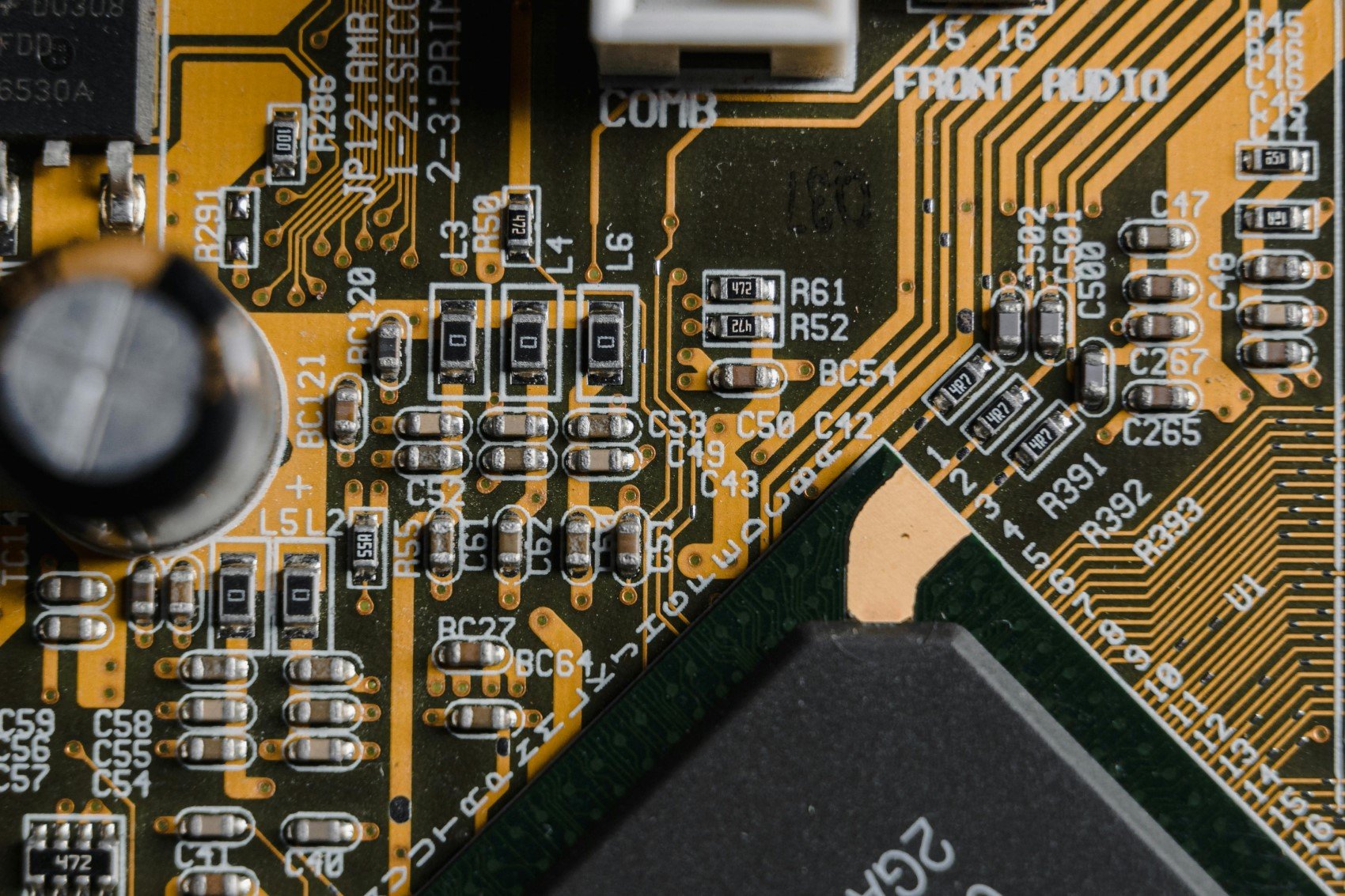
You need to consider the number and type of USB ports, audio jacks, network options, RGB headers, fan headers, and expansion slots on the motherboard. Check for compatibility with your accessories to ensure your computer meets your connectivity needs.
 8 / 8
8 / 8
RAM (MEMORY)
There are 3 features to remember regarding RAM support: generation, frequency speeds, and capacity. Currently, DDR5 RAMs have started to take their place in the market. Memory that replaces DDR4 is not backward compatible. This means if your motherboard offers DDR4 support, you should not buy DDR5 memory.
DESIGN
Although aesthetics may not be a priority for every user, design can affect the overall look and feel of your system. You might consider sticking to a color theme when choosing a motherboard. If you choose parts in the same color, you can achieve overall unity.
News Source : 12punto