 1 / 5
1 / 5
Users can easily find out the expiration date of their device's warranty period by using one of these methods.
 2 / 5
2 / 5
iPhone Warranty Inquiry Methods
Checking iPhone warranty status with a serial number
Finding iPhone warranty status via the Settings menu
Checking iPhone warranty coverage with the Apple Support app
 3 / 5
3 / 5
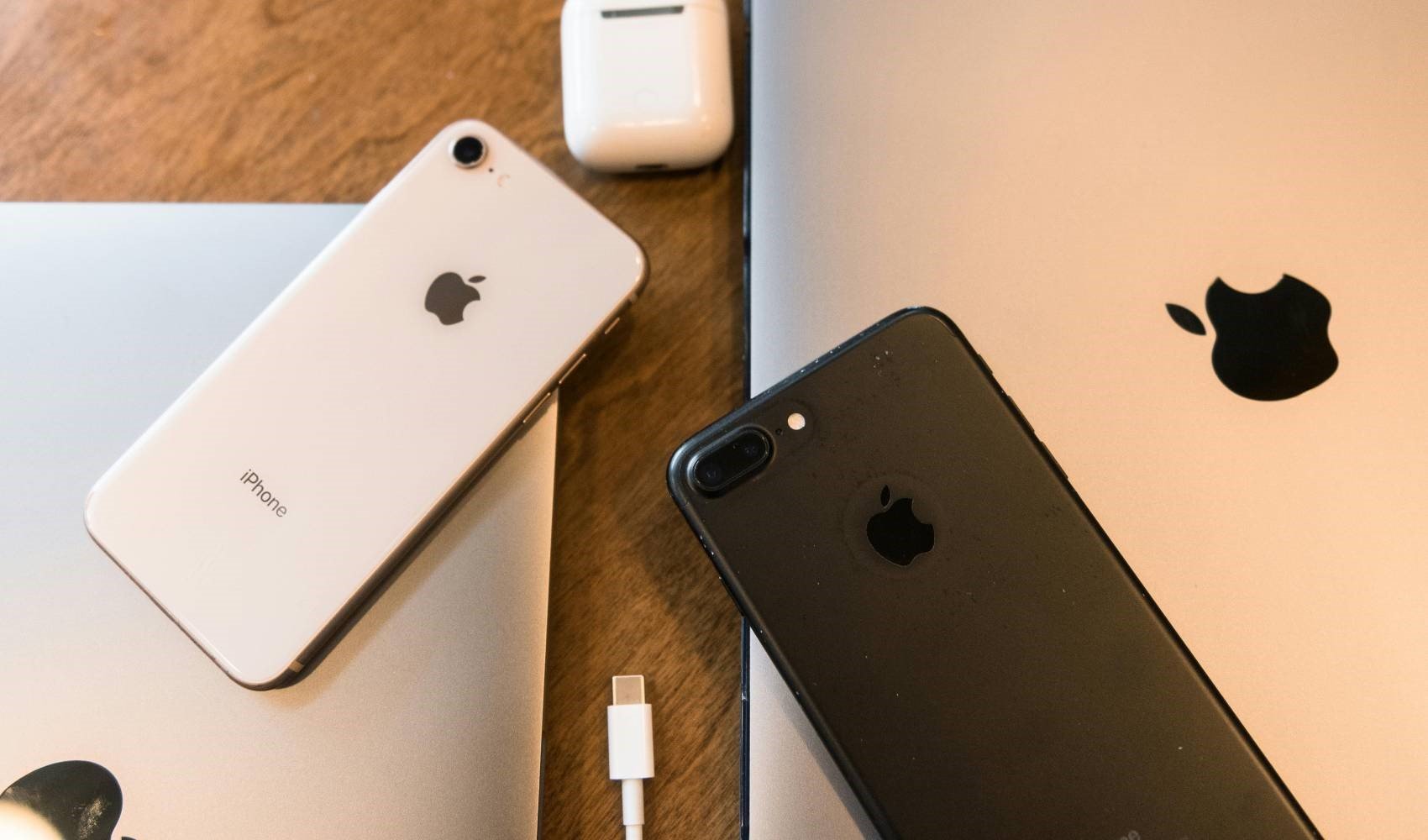
Checking iPhone Warranty Status via the Settings Menu
Open the device's settings menu.
Go to the General category.
Open the About section.
Enter the Coverage category.
 4 / 5
4 / 5
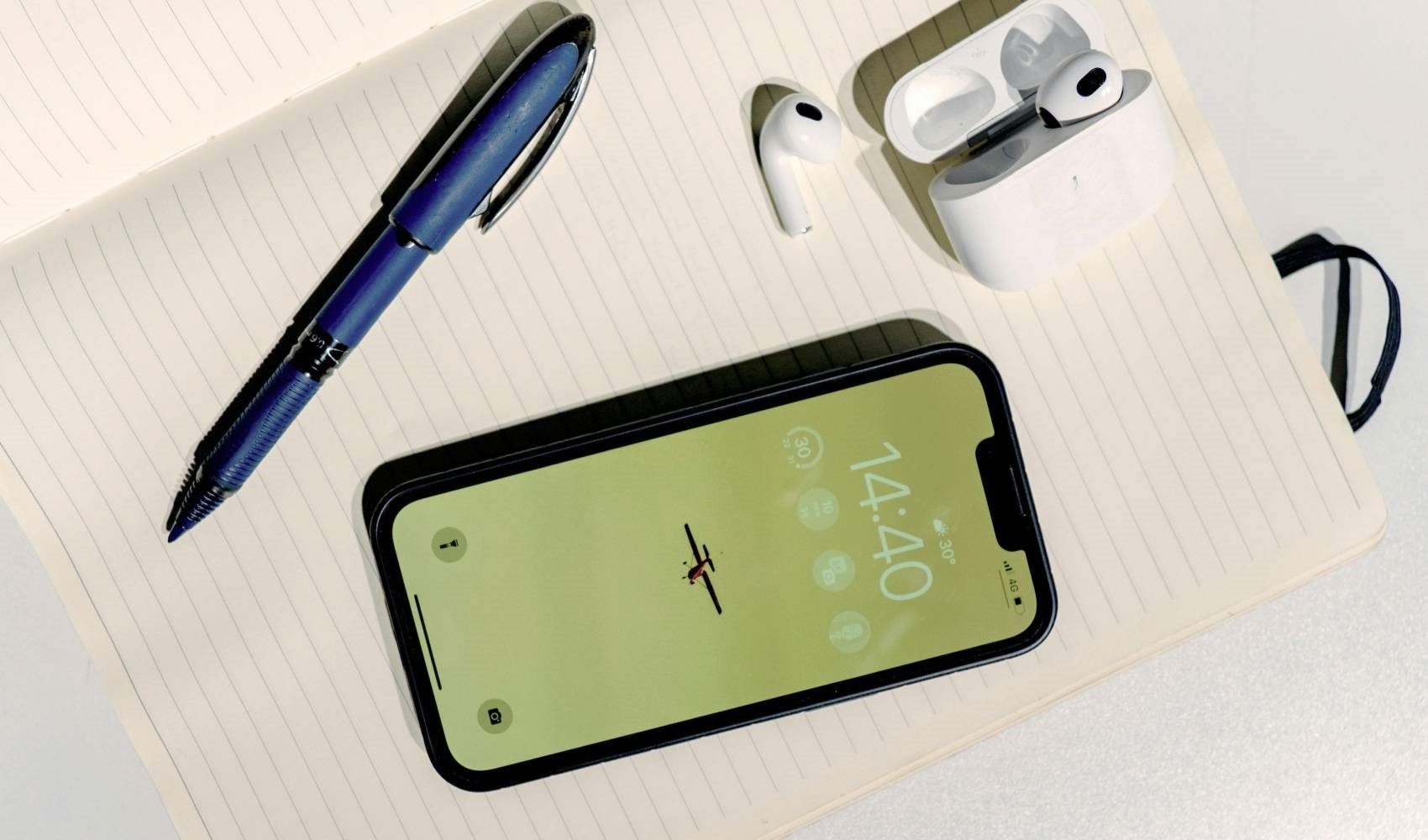
Checking iPhone Warranty Coverage with the Apple Support App
Open the Apple Support app.
Go to the "Device Details" category.
View the "Warranty Coverage" section.
 5 / 5
5 / 5
There is another way to find the serial number. The serial number is printed on the back of iPhone 6, iPhone 6 Plus, iPhone 5 series, and iPhone SE (1st generation) models. For iPhone 6s series and newer models, you can view this information from the SIM tray.
Through the warranty inquiry page, you can obtain information about the warranty for other Apple products, including Mac, iPad, and AirPods, as well as the iPhone.
News Source : 12punto