The Discord application has come to the fore with abuse allegations. It is alleged that there are many groups on Discord, a communication application, that trap young girls through blackmail, sexual abuse, and threats. It is claimed that individuals who are members of these groups reach each other by adding "901" to the beginning of their usernames on various social media platforms.
WHAT IS DISCORD? WHAT ARE ITS USES?
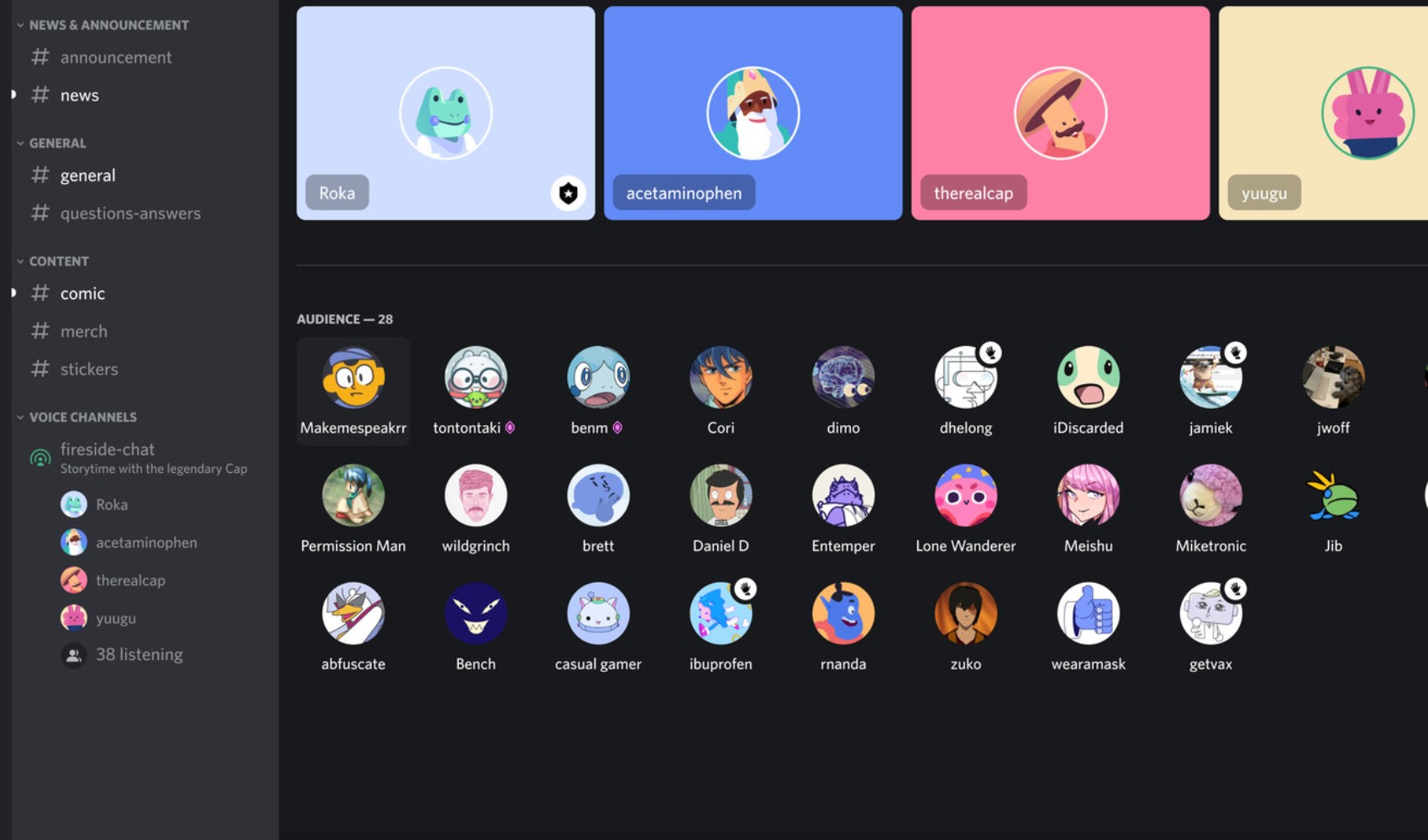
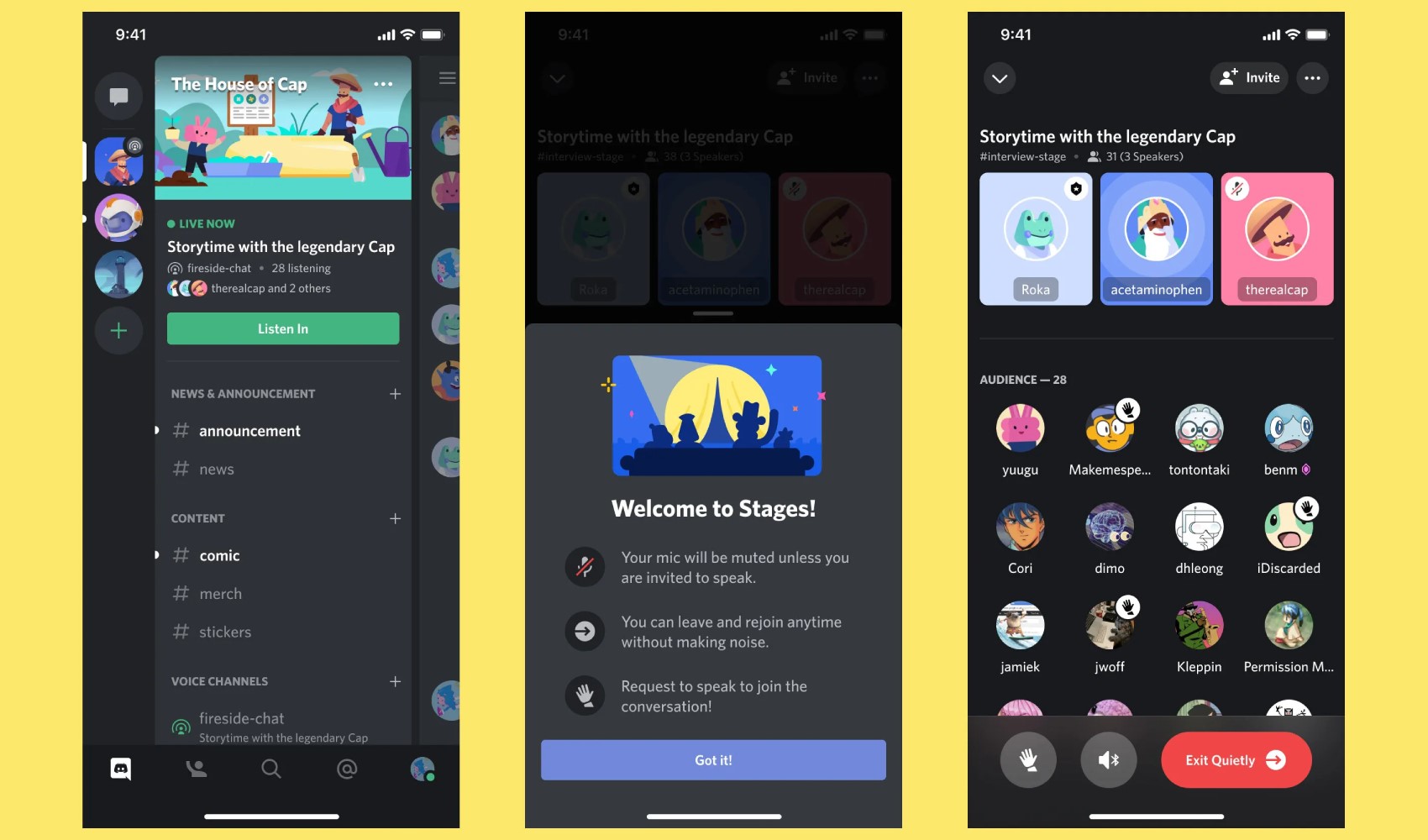
Discord is a social platform that allows users to communicate via text, voice, and video. Although it was originally developed for gaming communities, it has become popular over time for many groups and communities with different interests. Users can create servers, open channels, and chat with other members. Additionally, they can personalize their platform experience through bots and integrations. Discord is widely preferred for interacting while playing games with friends or participating in various discussions.
PURPOSES OF USE
Gaming Communities
Discord is used primarily among gamers to provide real-time communication. It is possible to have voice and text chats with gaming friends, share strategies, and organize events.
Work and Education
Student groups, teams working on projects, or those working remotely frequently prefer Discord. Teams can gather on Discord servers to share files, hold meetings, and collaborate.
Social Communities
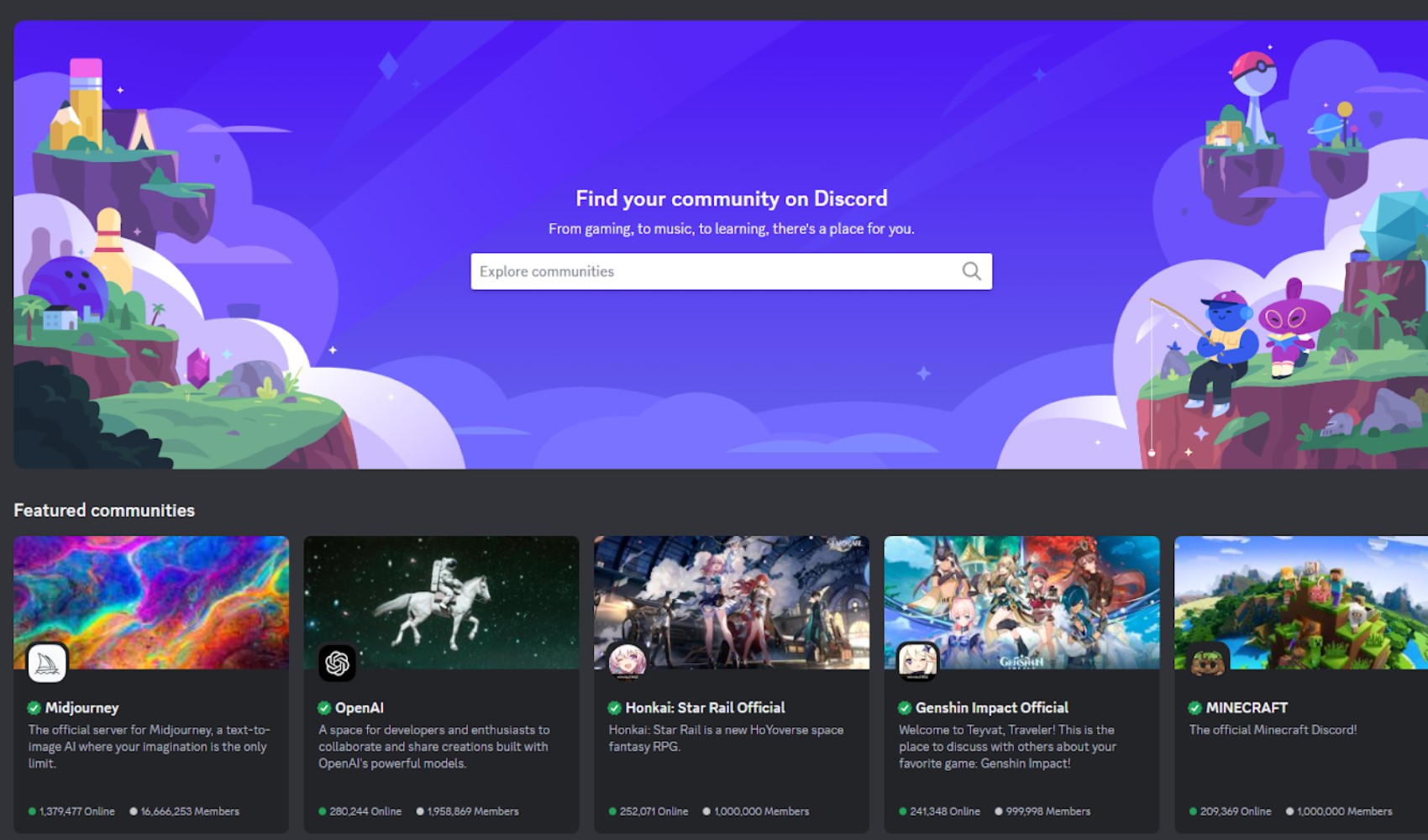
Users with many different interests such as film, art, books, and technology gather on Discord to form communities. It has become a platform used for exchanging ideas, participating in discussions, and building friendships.
Content Creators and Fan Communities
YouTubers, Twitch streamers, and other content creators also use Discord frequently. Discord offers an ideal environment for interacting with fans, organizing special events, and receiving feedback on content.
With the flexibility and versatile features it offers, Discord stands out as a communication tool that builds bridges between different audiences and communities. It continues to spread rapidly as an ideal platform for both entertainment and professional use.
 HOW TO DELETE A DISCORD ACCOUNT?
Discord offers its users the ability to delete their accounts easily. You can follow the steps below to delete your account:
Open Discord
First, open the Discord application or log in to Discord from your web browser.
Go to the Settings menu
To delete your account, click on the "Settings" (gear icon) option located next to your profile picture.
Go to account settings
In the menu that opens, click on the "Account" tab on the left side. You can see your account information here.
Select the account deletion option
At the very bottom of the account settings, you will see the "Delete Account" option. When you click on this option, Discord will ask you to confirm the account deletion process.
Verification and confirmation
Before deleting your account, you may need to enter your password and provide the two-factor authentication code if you have enabled it.
Status of servers
If you own any servers, you must delete these servers or transfer them to another user. Otherwise, the account deletion process cannot be completed.
By following these steps, you can completely delete your Discord account. Remember that the account deletion process is irreversible and all your data will be lost after this process. If you want to temporarily deactivate your account, you can choose the "Disable Account" option.
News Source: 12punto