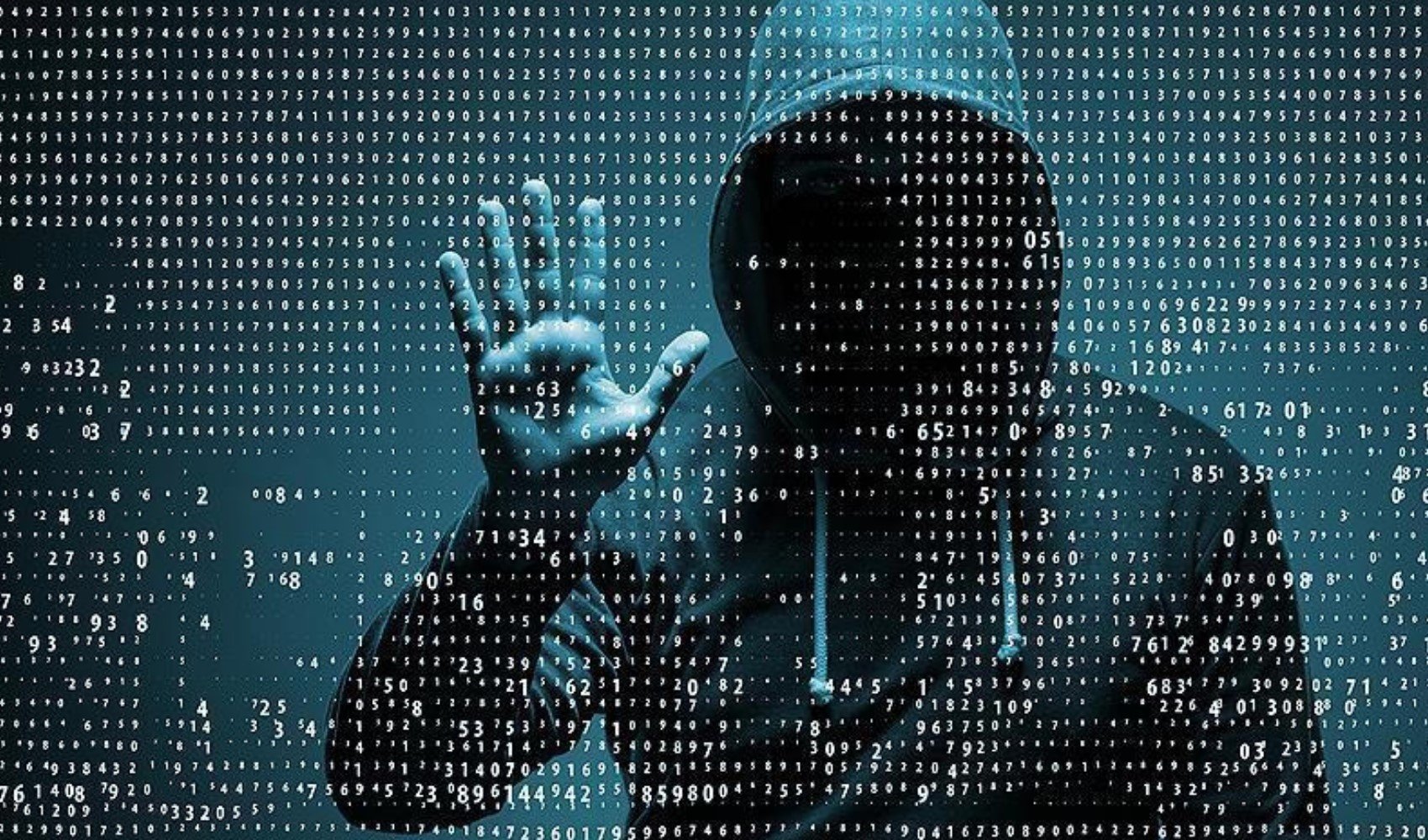
In our increasingly digital world, more people are shopping online, sharing personal information, and spending time on social media platforms every day. However, it is a fact that along with the conveniences offered by the internet, cyber threats are also on the rise. Carelessly clicked links, unconscious data sharing, and the use of untrusted applications can make users targets for hackers. The biggest factor in the rise of cyberattacks lies in users not taking sufficient security measures. So, what should you do to ensure your security in the digital environment?
CYBER THREATS AND PERSONAL SECURITY
One of the biggest threats in the cyber world is the theft of passwords and personal information as a result of careless user behavior. Research conducted in recent years shows that phishing, malware, fake websites, and manipulated files are the most commonly used methods in cybercrimes. Attacks, which are becoming more sophisticated every day, target not only large institutions but also ordinary internet users. A significant increase in cybercrime cases has been observed, especially during the pandemic period, with the surge in remote work and online shopping.
19 ACTIONABLE TIPS FOR SAFE INTERNET USE
Actionable and practical suggestions are of great importance to increase your digital security. Here are 19 ways to protect yourself from cyberattacks:
- Prioritize HTTPS sites: When entering personal or financial data, ensure the connection starts with https.
- Check the link address: Examine the address in detail before clicking on links in incoming emails or messages.
- Be extra careful with shortened links: Check shortened links where you cannot see the address using preview tools before opening them.
- Be wary of pop-up and advertising traps: Avoid clicking on unknown advertisements or pop-up windows.
- Use strong and unique passwords: Set complex and different passwords for every account; take advantage of password manager applications.
- Use two-factor authentication (2FA): This adds an extra layer of protection to your accounts.
- Review application permissions: Do not approve unnecessary permissions for the applications you install.
- Pay attention to sensitive permissions like location, microphone, and camera: Unauthorized use of these permissions poses a major risk.
- Use a VPN and a secure browser: Prefer a VPN to encrypt your connection, especially on public Wi-Fi networks.
- Always keep your software up to date: Updates close security vulnerabilities.
- Protect yourself with email aliases: Hide your main email address and use secondary addresses.
- Perform regular data backups: Keep your files up to date to prevent data loss in case of potential attacks.
- Verify the accuracy of images and media: Manipulated media content can create security risks.
- Limit your personal information sharing: Share only necessary information on social media and platforms.
- Always verify suspicious content: Especially when you encounter fake campaigns or news, confirm them from official sources.
- Be careful with files from unknown sources: Run a virus scan on the file before clicking on attachments or links.
- Recognize and test for phishing attacks: Pay attention to spelling and formatting errors in suspicious emails; contact the relevant institution in case of doubt.
- Report suspicious emails to the relevant platforms: This way, you can prevent others from becoming victims.
- Examine password reset requests carefully: If the password reset request is not yours, an unauthorized access attempt may have been made on your account.
SUSTAINABILITY AND AWARENESS IN DIGITAL SECURITY
Making safe internet habits sustainable contributes to the formation of a social defense mechanism as much as individual protection. Regularly applying these steps to protect your personal security helps increase not only your own awareness but also that of the people around you. Strengthening digital security awareness in schools, workplaces, and on social platforms plays a key role in preventing cybercrimes. Remember: Cybersecurity is possible not only with technical measures but also with conscious behavior.
SECURITY IS NOT A LUXURY, BUT A NECESSITY
Ensuring your security in the digital environment is not a luxury choice today, but a necessity. By incorporating the 19 suggestions listed above into your life, you can significantly increase the security of both your personal information and your virtual assets. Individual attention and constant awareness are among the strongest shields that will support the general cybersecurity of society.
News Source: 12punto