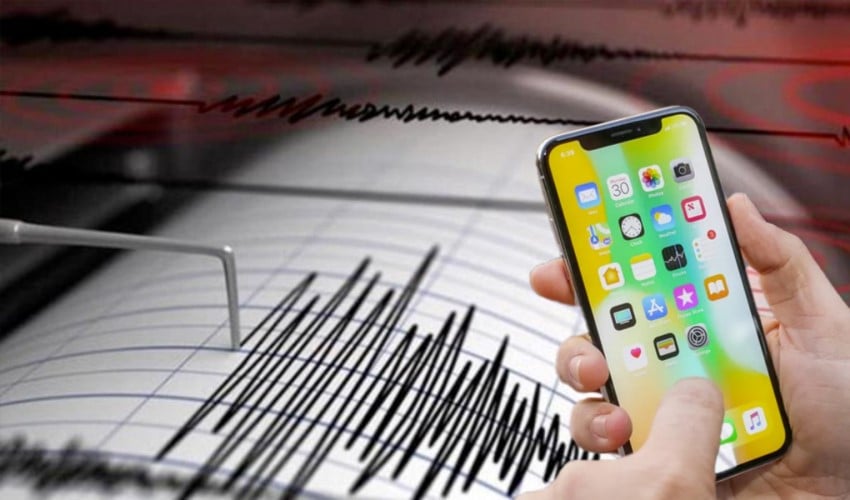
Sea of Marmara – Gemlik Bay experienced consecutive earthquakes with magnitudes of 5.1 and 4.5.
The earthquake, which caused short-term panic, was felt primarily in Istanbul, as well as in Balıkesir, Eskişehir, Bilecik, Bursa, İzmir, Tekirdağ, Kocaeli, Kütahya, and many other provinces.
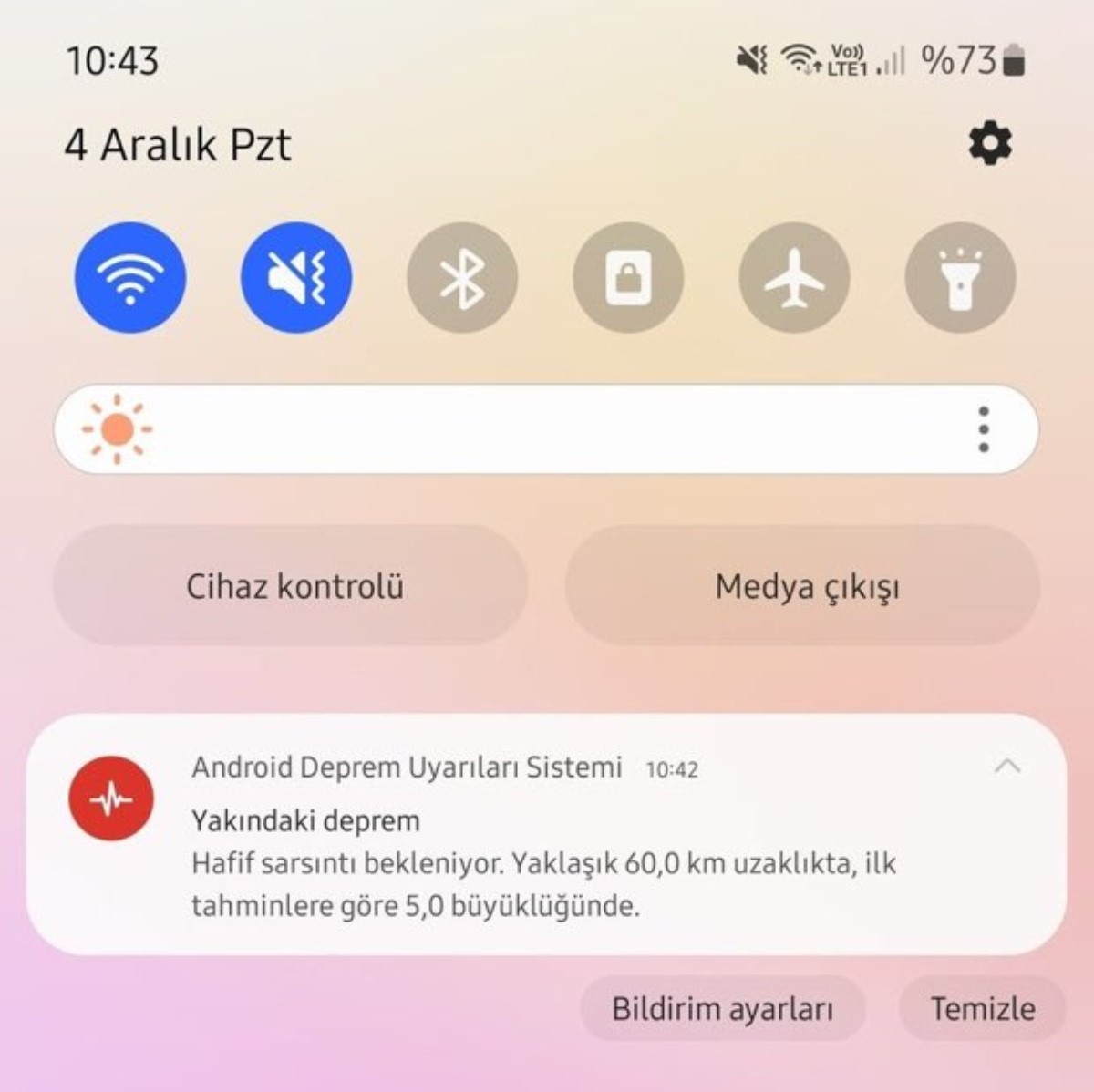
NOTIFICATION SENT TO ANDROID USERS
One minute before the earthquake, the Android early warning system sent notifications to users. Android users shared screenshots of the earthquake notification they received on their phones on social media.
HOW TO TURN ON EARTHQUAKE NOTIFICATIONS ON IPHONES?
After iPhone users stated that they did not receive notifications regarding the earthquake, how to enable earthquake notifications on iPhone devices became a subject of curiosity.
ENABLING IOS EARTHQUAKE ALERT SYSTEM
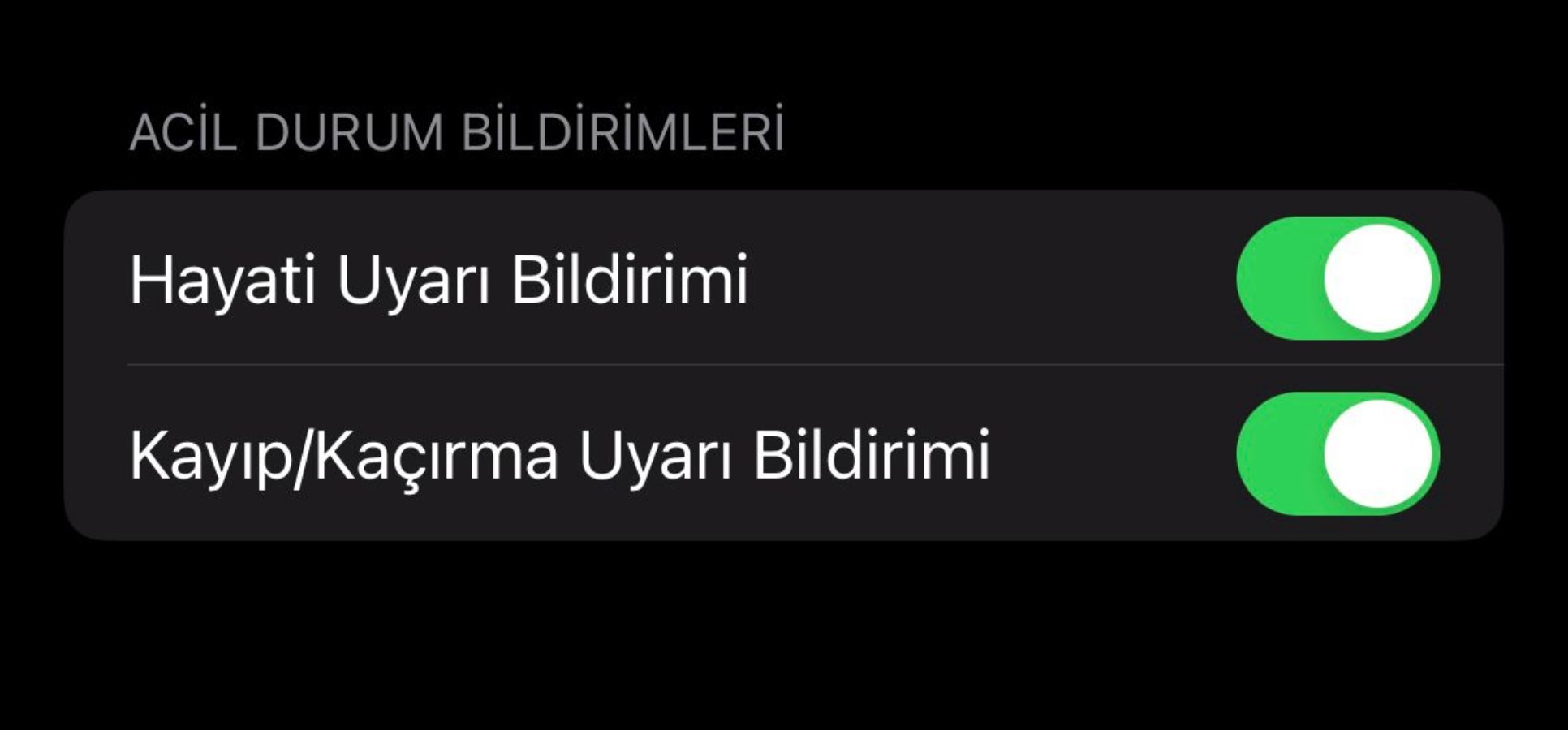
Here is how to activate earthquake notifications on iPhone devices
Go to the 'Notifications' tab by accessing the Settings section on your phone.
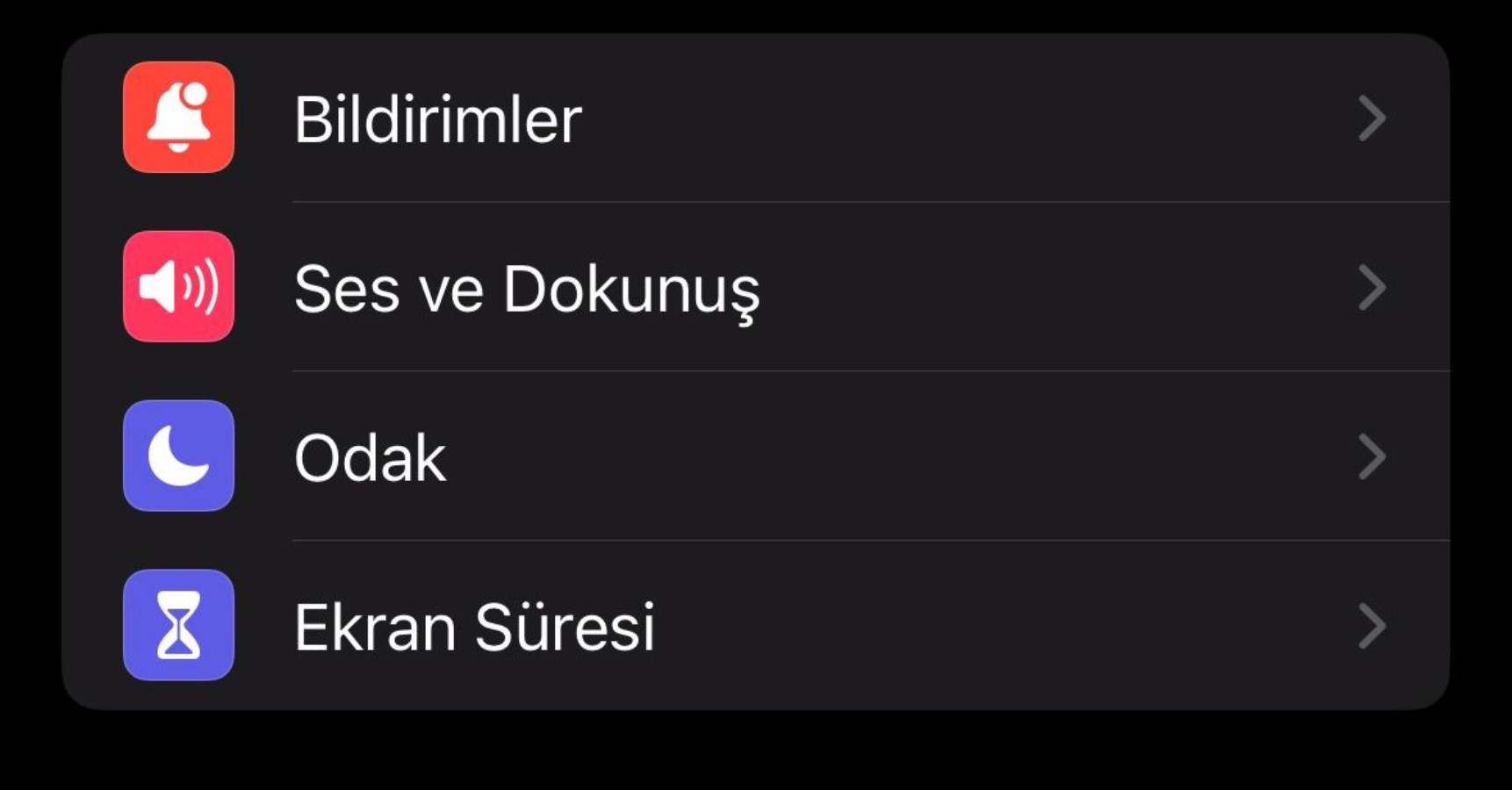
Then, when the screen containing the applications installed on the device appears, scroll to the very bottom and
'Emergency Alerts'
'Public Safety Alerts' options to receive earthquake alert notifications.
News Source: 12punto