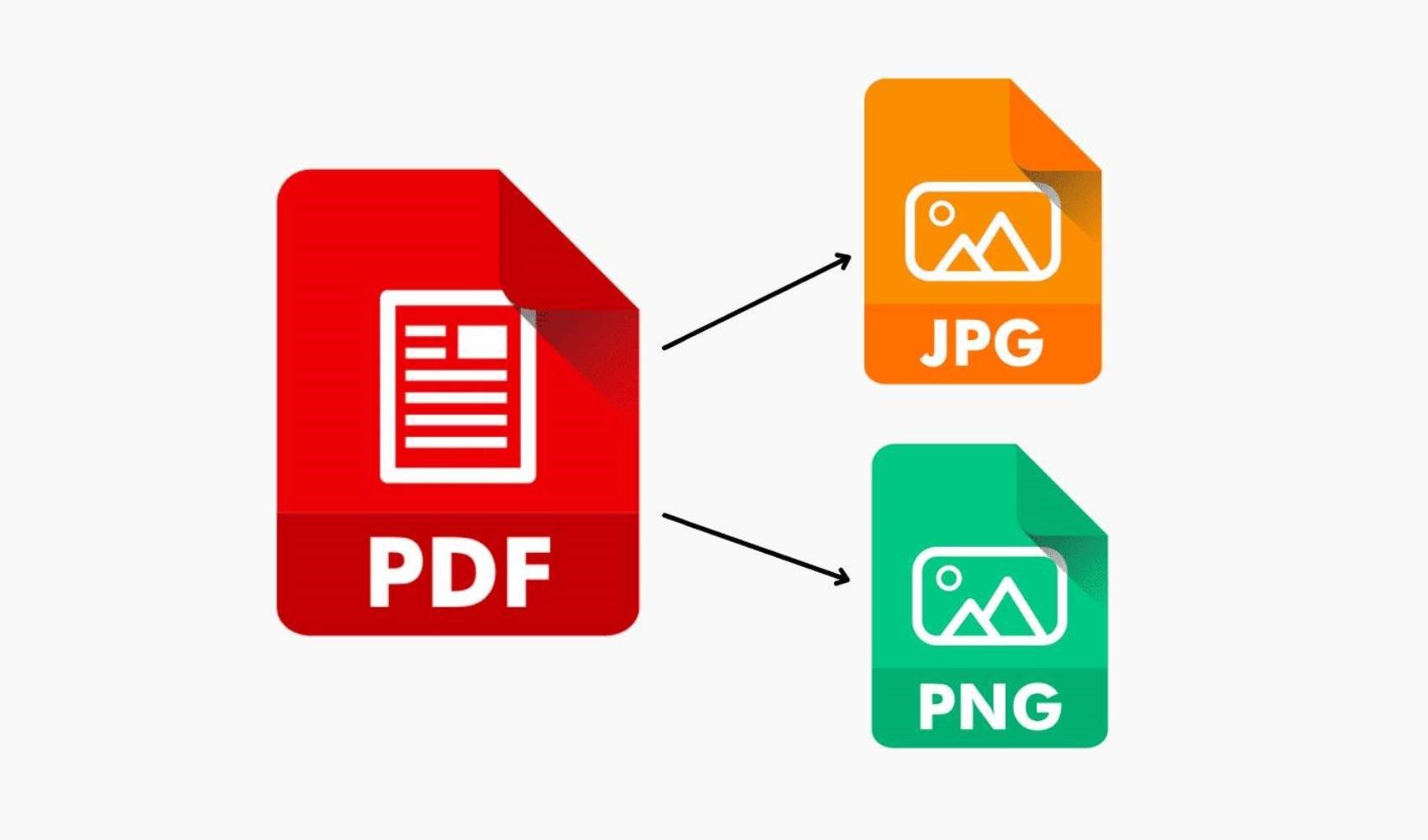
How can you convert PNG to PDF using tools that are easily found on Windows, Mac, and your web browser?
CONVERTING PNG TO PDF ON A WINDOWS COMPUTER
Windows has a default virtual printer called Microsoft Print to PDF that makes it easy to convert PNG to PDF with a few clicks.
The steps below work with any image file and any program that has a Print function. Alternatively, you can also use it from the Print command in the context menu.
- Select the PNG file and right-click to select Print from the context menu.
- Select Microsoft Print to PDF as the printer and click Print.
- Another dialog box will appear where you can enter the file name and select the file location. When you are finished, click Save.
- You can even use Microsoft Print to PDF to combine multiple PNG images into a single PDF. Select a layout from the options on the right before selecting Print.
- Save the PDF anywhere you like.
CONVERTING PNG TO PDF ON A MAC COMPUTER
Changing PNG to PDF on a Mac computer is also easy. Like Windows, macOS has a built-in feature in the Preview app to handle all PNG to PDF conversions.
- Open the image you want to convert with the Preview app.
- Select File > Export as PDF.
- Type a file name or use the default and save the file to a location of your choice.

CONVERTING PNG TO PDF IN ADOBE PHOTOSHOP CC
The Photoshop PDF format can save Photoshop data such as layers, alpha channels, notes, and spot color. You can open this PDF file in Photoshop and continue your edits.
- Open the PNG file in Photoshop.
- Select File > Save As. Choose to save the file to your Creative Cloud account or your desktop. If you choose the desktop, the standard Save As dialog box will open. Select Photoshop PDF from the Save as type drop-down menu. Select Save.
- In the Save Adobe PDF dialog box, select an Adobe PDF preset. Print presets help Photoshop decide how the final document will be used. Some common print presets are desktop printers, commercial printers, or email, etc.
- Select Save PDF. Photoshop creates the PDF document file and saves it to a location of your choice.
News Source: 12punto