Different applications can be used for document scanning on mobile devices. In addition to this, the document scanning capability that Google designed for Android devices has now started to be offered for the iPhone side.
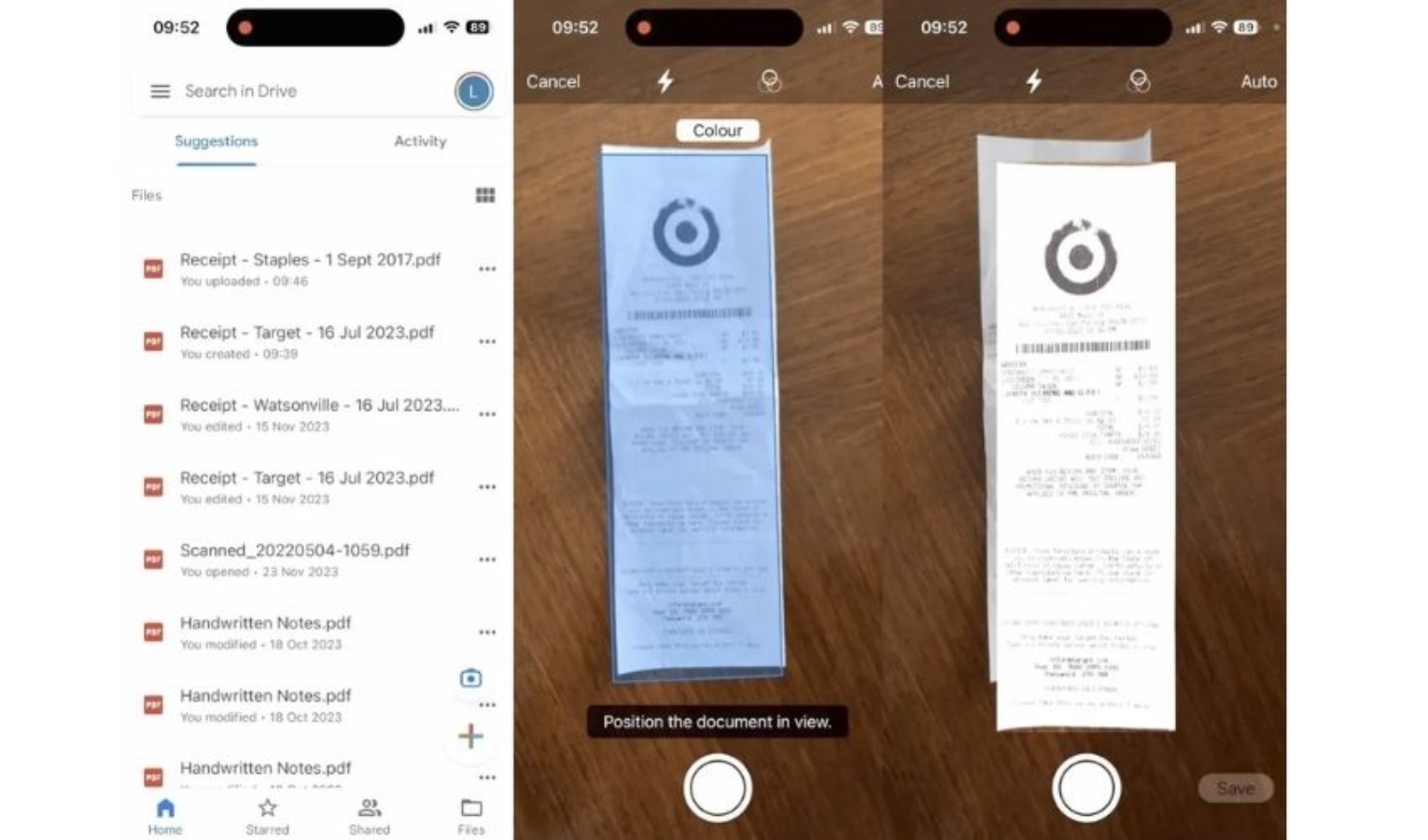
The feature, which allows you to use Google Drive as a document scanner, utilizes the camera. The system, which allows for consecutive shots for multi-page documents, also enables saving the document in high quality.
If you want to scan a document on iPhone devices, you normally had to go to the Files section. Here, after clicking on the three dots in the top right corner, you had to click on the 'scan document' option and choose what to do by scanning your document.
Now, to start scanning a document via Google Drive, you need to click on the plus icon in the top right corner and tap on the camera. It is then possible to perform the scan here.
News Source: 12punto